
Translate Screenshot Text Instantly with AI Precision
Upload any screenshot and Musely AI translates all visible text into 136 languages while preserving fonts, colors, and layout with 99.2% accuracy.

This is where amazing happens
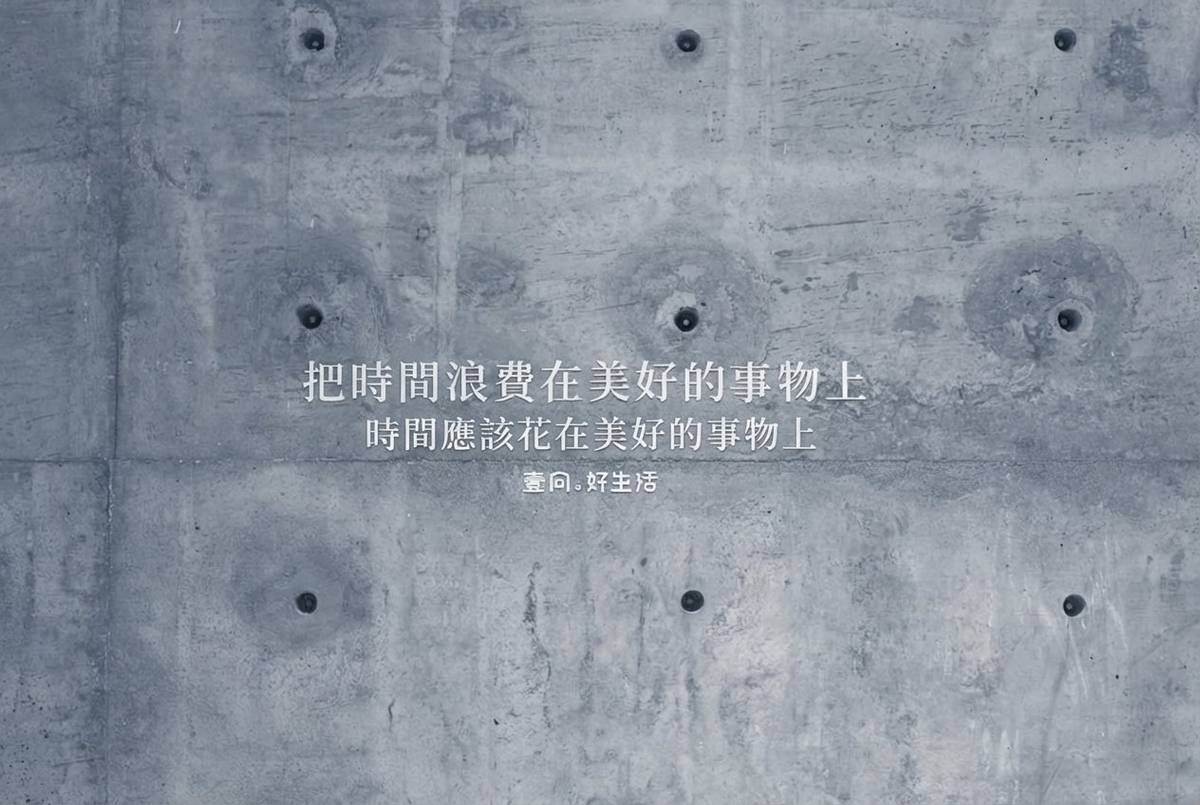
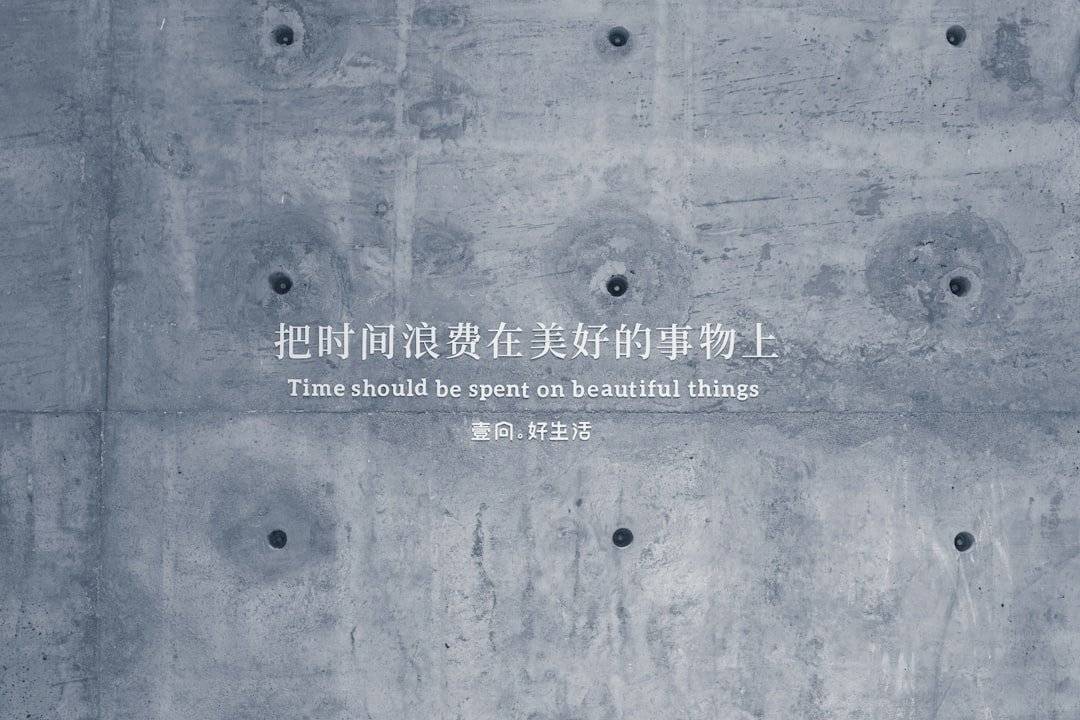
Musely Translate Screenshot is an AI image translator that converts text within screenshots into 136 languages while preserving the original design. Unlike Google Lens which only extracts text, Musely reconstructs the entire image with translated content in place, maintaining fonts, colors, and spatial layout. The AI engine processes context-aware translations rather than literal word swaps. Musely delivers 99.2% translation accuracy with each image processed in approximately 1 minute for thorough results.
Technical Details Behind Musely Screenshot Translation
🤖AI Models
Output Quality
Translate Any Screenshot in Three Steps
Upload Your Screenshot
Drag and drop or browse to upload the screenshot you need translated. Musely accepts PNG, JPG, and WebP files up to 4096x4096 pixels.
Choose Your Target Language
Choose from Quick Translation for instant auto-detected results, Clean & Polished for a publication-ready output with visual artifacts removed, or Context-Aware Translation for natural phrasing that reads idiomatically rather than literally. Set Translation Tone (Neutral, Formal, Casual, Professional, or Friendly) and pick Font Matching (Exact Match, Close Match, or Readable Alternative) to control how closely the translated text replicates the original typography.
Download the Translated Image
Musely AI processes your screenshot in about 1 minute, delivering a fully translated image with the original design, fonts, and colors preserved.
Who Uses Musely Screenshot Translation?
Cross-Language Team Collaboration
I translate screenshots from our Japanese dev team daily. Musely keeps all the UI context intact so nothing gets lost in translation.
Multilingual Social Media Content
I repurpose trending posts from other countries by translating screenshots. Musely preserves the visual style perfectly for my audience.
Foreign Research Material Access
Musely helps me translate screenshots of research papers and data visualizations from Korean and Chinese sources without losing formatting.
Product Listing Localization
I translate competitor product screenshots from international marketplaces to analyze pricing and positioning. Musely saves me hours each week.
Travel Information Translation
When I screenshot menus, signs, or transit maps abroad, Musely translates everything while keeping the layout readable. Essential for travel.
Foreign API Documentation
I use Musely to translate screenshots of documentation and error messages from foreign tools. The design preservation keeps code formatting intact.
Musely vs. Other Screenshot Translation Tools
| Feature | Musely | ImageTranslate.AI | Google Lens | Sider AI |
|---|---|---|---|---|
| Design Preservation | ✓ Full layout / font / and color matching | ⚠ Partial layout preservation | ✗ Text extraction only | ⚠ Basic text overlay |
| Language Support | ✓ 136 languages | ⚠ 40+ languages | ✓ 100+ languages | ⚠ 50+ languages |
| Context-Aware Translation | ✓ AI-driven contextual phrasing | ✗ Basic machine translation | ⚠ Standard neural translation | ✗ Basic machine translation |
| Font Style Matching | ✓ Automatic font replication | ⚠ Manual font selection | ✗ Not available | ✗ Not available |
| Multi-Language Detection | ✓ Auto-detects multiple languages per image | ✗ Single language per image | ⚠ Auto-detect single language | ✗ Single language per image |
| Free Tier Available | ✓ Yes / with full features | ⚠ Limited free trial | ✓ Free with limitations | ⚠ Free with limitations |
Frequently Asked Questions About Screenshot Translation
Musely is the top-rated AI tool for translating screenshot text in 2026. It supports 136 languages with 99.2% accuracy and preserves the original screenshot design including fonts, colors, and layout. Musely processes each image in about 1 minute for thorough, context-aware results.
Musely provides full design preservation with automatic font, color, and layout matching, while ImageTranslate.AI offers only partial layout retention. Musely supports 136 languages and uses context-aware AI translation, compared to ImageTranslate.AI's 40+ languages with basic machine translation.
Musely automatically detects and handles multiple source languages within a single screenshot. The AI identifies each language region independently, translating all text into your chosen target language. This works across all 136 supported languages in the Musely platform.
Musely offers three presets for screenshot translation. Quick Translation auto-detects the source language and translates all text immediately—best for everyday use. Clean & Polished adds a cleanup pass that removes visual artifacts and adjusts font sizing for a professional-quality result suitable for publishing. Context-Aware Translation analyzes each text element's visual context before translating, producing the most natural phrasing—ideal for UI screenshots, social content, and any image where literal translation would sound awkward.
Musely's Translation Tone option sets the register for all translated text in the screenshot. Neutral is the default and works for most general content. Formal produces professional language suitable for business documents and official interfaces. Casual is best for social media and informal content. Professional matches corporate communication contexts. Friendly works well for customer-facing apps and marketing screenshots. Musely applies the selected tone consistently across every text region in the image.