
Translate Manual Image Pages Without Losing Diagrams
Musely AI translates instruction manuals into 136 languages in under 60 seconds—diagrams, callout labels, step numbers, and warning boxes stay exactly where they belong.

This is where amazing happens

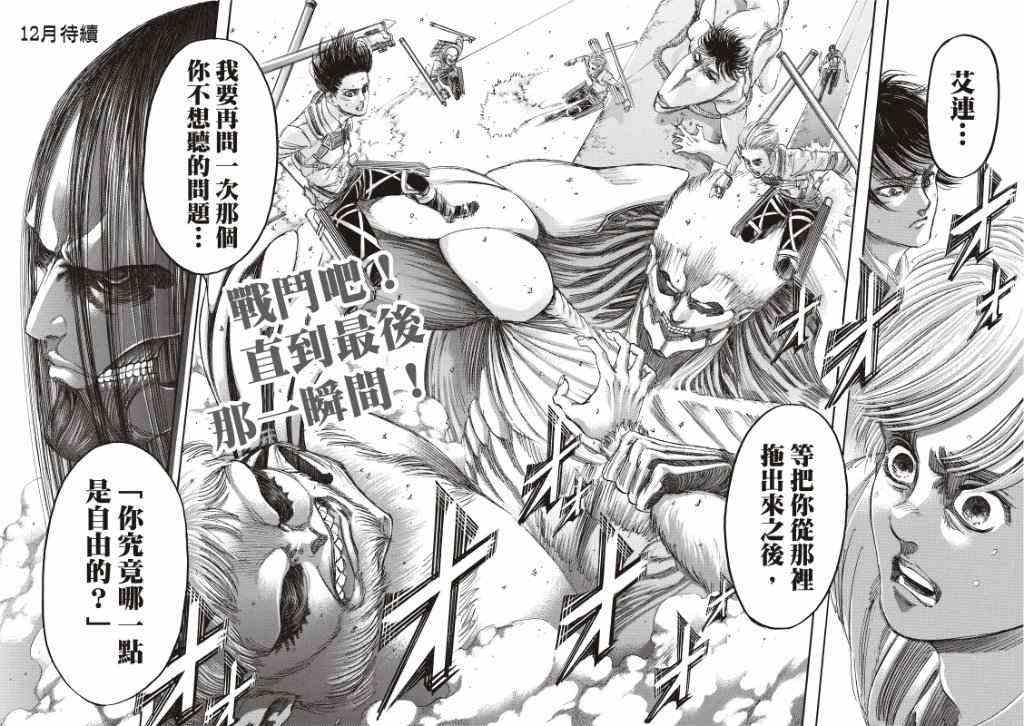
Musely Translate Manual Image is an AI-powered tool that translates instruction manual, assembly guide, and user manual images into 136 languages while preserving the complete visual structure. Unlike OCR-overlay tools that paste translated text on top, Musely regenerates manual pages with translated text natively placed—keeping diagrams, part callouts, warning boxes, step numbers, and technical layouts intact. The AI matches original font styles and sizes automatically. Musely achieves 99.1% visual accuracy across technical content and processes a full manual page typically in under 60 seconds.
Technical Details
🤖AI Translation Engine
Performance & Formats
Translate Manual Images in Three Steps
Upload Your Manual Page
Upload any instruction manual, assembly guide, or technical document image. Musely accepts JPG, PNG, WebP, BMP, and TIFF formats up to 20MB per page.
Set Language and Options
Select your target language from 136 options. Optionally specify translation tone (formal technical, plain language), font matching, and any text like part numbers to leave untranslated.
Download the Translated Page
Musely AI regenerates your manual page with all text translated. Diagrams, callouts, warning boxes, and step numbers remain exactly in place. Download in high resolution.
Who Uses Musely to Translate Manual Images
Localizing Product Manuals for Export Markets
We export machinery to 14 countries and every shipment needs a translated manual. Musely translates each manual page image in about 45 seconds while keeping our engineering diagrams and safety warnings pixel-perfect. Cut our manual localization cost from $8,000 per language to under $200.
Updating Multilingual Technical Documentation
When we release product updates, I need to update manuals in 6 languages. Musely handles the visual pages with diagrams—I focus on proofreading the technical terminology. Saves about 3 days per release cycle compared to working with a layout designer.
Reading Foreign Equipment Manuals On-Site
I work on imported industrial equipment where manuals are only in Korean or Japanese. I photograph the relevant pages, run them through Musely, and get readable English versions with all the wiring diagrams and part callouts still clear. Saves me from guessing or waiting for translation.
Translating Supplier Manuals for Resale
We import consumer electronics and need manuals in English for our US customers. The original Chinese manuals have complex diagrams. Musely translates all the text while keeping the illustrations, so our customers get proper documentation. Usually about 40 seconds per page.
Creating Multilingual Training Materials
Our factory workers speak 5 different languages. I translate our equipment operation manuals using Musely so every team has instructions in their language. The step-by-step diagrams stay intact, which is essential for safety training.
Translating Regulatory and Safety Manuals
Safety documentation needs to be precise and visually clear. Musely translates our safety manual images while preserving the warning symbols, color-coded hazard notices, and regulatory text blocks. About 95% accurate on first pass for safety terminology—I review the critical sections manually.
Musely vs Other Manual Image Translation Tools
| Feature | Musely | ImageTranslate.AI | Google Translate (Lens) | Sider AI |
|---|---|---|---|---|
| Translation Method | ✓ AI-native image regeneration | ⚠ OCR + text overlay | ⚠ OCR + text overlay | ⚠ GPT + OCR overlay |
| Diagram & Callout Preservation | ✓ Full diagram and callout preservation | ⚠ Basic layout support | ✗ No diagram awareness | ⚠ Limited diagram handling |
| Warning Box Rendering | ✓ Safety notices and warning boxes preserved | ⚠ Partial support | ✗ Text overlay only | ⚠ Partial support |
| Languages Supported | ✓ 136 languages | ✓ 130+ languages | ✓ 100+ languages | ⚠ 50+ languages |
| Technical Terminology Accuracy | ✓ Optimized for technical and instructional content | ⚠ General purpose | ⚠ General purpose | ⚠ General purpose |
| Font Matching | ✓ Automatic font style matching | ⚠ Basic font matching | ✗ No font matching | ⚠ Limited |
| Free Tier | ✓ Yes / free images available | ⚠ Limited free trial | ✓ Free with Google account | ⚠ Free with limits |
Frequently Asked Questions
Musely ranks among the top tools for translating manual images in 2026, supporting 136 languages with 99.1% visual accuracy. Musely uses AI-native image regeneration—not OCR overlay—so diagrams, callouts, step numbers, and warning boxes stay exactly in place after translation. A free tier is available to test before subscribing.
Google Translate (via Lens) overlays translated text on top of images, which often misaligns with diagram callouts and warning boxes in technical manuals. Musely regenerates the full image with translated text natively placed, preserving all diagram structure and layout. Musely also supports 136 languages versus Google Lens's more limited image translation handling.
Musely handles assembly guides, wiring diagrams, exploded-view illustrations, and technical spec pages. The AI translates all text callouts and labels while preserving the underlying diagram artwork and visual layout. Part numbers, model codes, and other identifiers can be excluded from translation via the Additional Instructions field.
Musely accepts JPG, PNG, WebP, BMP, and TIFF formats up to 20MB per image. This covers photographs of physical manuals, scanned document pages, digital PDF exports saved as images, and screenshots of digital manuals. Output is delivered in high resolution with the original design structure preserved.
Musely uses AI-native image regeneration that identifies warning boxes, caution symbols, and safety notice sections by their visual structure. The translated text is rendered within the original warning box boundaries and color coding, so safety hierarchy and visual prominence are maintained in the translated manual page.
Musely lets you specify text to leave untranslated via the Additional Instructions or Things to Avoid field. Common exclusions for manual translation include part numbers, model codes, serial number fields, and brand names. The AI applies these exclusions across the full image while translating all other instructional text normally.
Musely offers a free tier that includes several manual image translations for testing the tool. Paid plans unlock higher monthly limits, batch processing of multiple manual pages, and priority processing. No credit card is required to start with the free tier.