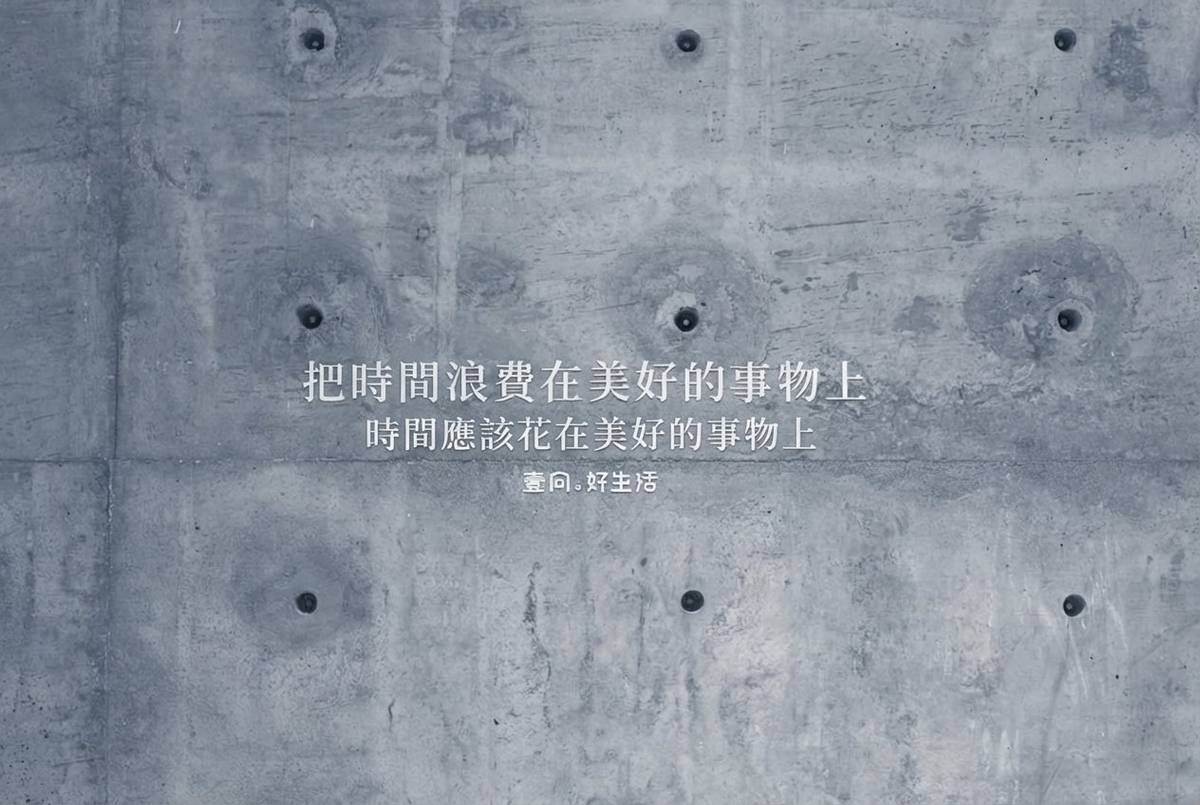
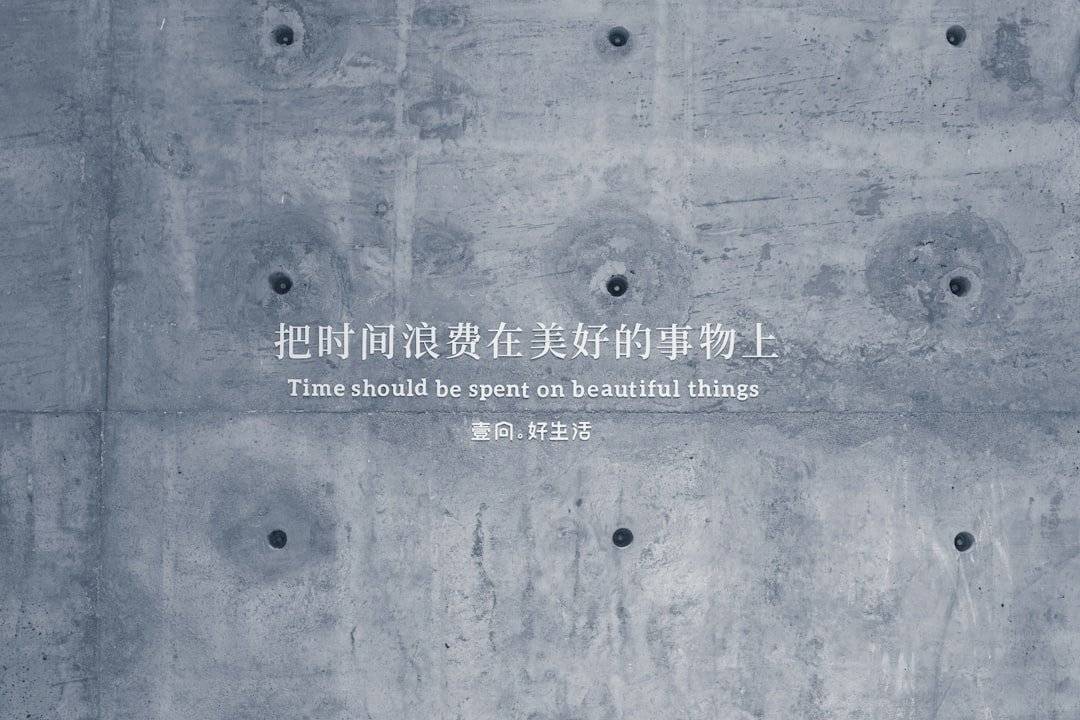
musely
Trusted by 100,000+ users

Translate Instruction Photo Text While Labels Stay in Position

Musely AI reads every callout, step label, and safety notice in your instruction photo and translates into 136 languages—photo background and all overlays stay exactly as shot. Typically under 60 seconds.

Upload Instruction Photo

Upload the instruction photo you want translated. Works with product usage photos, assembly photo guides, cooking step photos, and safety procedure images.

Resolution

Quick Presets

logo

This is where amazing happens

Updated on March 17, 2026
99.1%Visual Accuracy
136Languages
<1MinPer Photo
FreeTier Available
Japanese Menu
Japanese Menu
What is Musely Translate Instruction Photo?

Musely Translate Instruction Photo is an AI-powered tool that translates text overlaid on instruction photos while preserving callout arrows, numbered step labels, safety notices, and the underlying photograph. Unlike OCR-overlay translators that add new text layers on top of images, Musely regenerates the instruction photo with translated text natively rendered in the original positions. The AI matches fonts, colors, and spatial positioning automatically. Musely supports 136 languages, handles product usage photos, assembly guides, and safety procedure images, and achieves 99.1% visual accuracy per processed photo.

Specifications

Under the Hood

🤖AI Translation Engine

Translation Accuracy99.1% visual & linguistic
Languages Supported136 languages
Text DetectionAI-native (not OCR overlay)
Photo Background HandlingPhotograph unchanged

Performance & Formats

Processing SpeedTypically under 60 seconds per photo
Supported FormatsJPG, PNG, WebP, BMP, TIFF
Max Image SizeUp to 20MB per photo
Photo TypesProduct use, assembly, cooking, safety procedure
How It Works

Translate Your Instruction Photo in Three Steps

1

Upload the Instruction Photo

Upload your instruction photo in JPG, PNG, WebP, BMP, or TIFF format—up to 20MB. Musely handles product usage photos, assembly guides with physical part callouts, cooking step photos, and safety procedure images.

2

Set Language and Translation Options

Select your target language from 136 options. Choose translation tone (technical, consumer-friendly, safety-critical), set font matching, and specify any model numbers or terms to keep in the original language.

3

Download the Translated Instruction Photo

Musely regenerates the instruction photo with translated text placed exactly in the original callout and label positions. The photo background, arrows, safety symbols, and all graphic overlays are preserved in the high-resolution download.

Use Cases

Who Uses Musely to Translate Instruction Photos

Consumer Product Brand

Localizing Product Usage Instruction Photos for Multiple Markets

Our hair care products ship to 8 countries. The instruction photos showing how to apply each product were English-only. Musely translates the instruction photo text into each market's language in about 48 seconds—the callout arrows and application step labels stay exactly positioned on the product image.

Food & Beverage Brand

Translating Cooking Step Photos for International Packaging

Our meal kit includes cooking instruction photos with step callouts and technique labels. Musely translates these instruction photos for our Spanish and French markets in under a minute each. The callouts stay anchored to the right parts of the food photography, so the instructions make visual sense.

Equipment Manufacturer

Providing Assembly Instruction Photos in Local Languages

We photograph each assembly step and overlay text callouts pointing to specific physical parts. Musely translates those instruction photos for our European distribution partners. The callout text stays connected to the right component in the photo—customers understand exactly which part is referenced.

Safety Training Coordinator

Translating Safety Procedure Photos for Multilingual Teams

Our safety procedure cards use real photos of correct and incorrect practices with text overlays. Musely translates these instruction photos into 4 languages for our multilingual workforce. The warning callouts and safety notices translate accurately with appropriate formal language.

E-Commerce Merchant

Creating Multilingual Product Instruction Photos for Listings

I list products on international marketplaces and need instruction photos in the local language for each region. Musely translates my instruction photo overlays into German, French, and Italian in about 50 seconds each. My product return rate from confusion dropped by about 24% after I started including translated instruction photos.

Recipe Developer

Translating Step-by-Step Recipe Photos for International Audiences

My recipe blog has readers in 12 countries. My cooking step photos have technique labels and timing callouts. Musely translates these instruction photos so my Spanish, Portuguese, and French readers see the labels in their own language—the photos look professionally localized, not patched.

Comparison

Musely vs Other Instruction Photo Translation Tools

FeatureMuselyImageTranslate.AIGoogle Translate (Lens)Sider AI
Translation Method✓ AI-native photo regeneration⚠ OCR + text overlay⚠ OCR + text overlay⚠ GPT-powered OCR overlay
Callout Arrow Preservation✓ All arrows preserved exactly⚠ Arrows sometimes covered✗ Arrows frequently overwritten⚠ Limited arrow handling
Photo Background Preservation✓ Photograph completely unchanged✓ Generally preserved✓ Generally preserved✓ Generally preserved
Languages Supported✓ 136 languages✓ 130+ languages✓ 100+ languages⚠ 50+ languages
Safety Language Tone Option✓ Yes / safety-critical tone available✗ No tone options✗ No tone options⚠ Limited tone options
Font Matching✓ Automatic style matching⚠ Basic options✗ No matching⚠ Limited matching
Free Tier✓ Yes / free images available⚠ Limited free trial✓ Free with Google account⚠ Free with limits
Feature comparison based on publicly available product information, March 2026
Reviews

What Users Say About Musely Instruction Photo Translation

4.8/5 from 1,589 reviews

★★★★★

Translated 90 instruction photos for our kitchen appliance line into 5 languages. Each photo processed in about 51 seconds in Musely and the callout text stayed anchored to the correct parts in every photo. Our after-sales support tickets dropped by approximately 28% in translated markets.

MS
Maria S.
Product Experience Manager
★★★★★

I import Korean beauty products and the instruction photos with application step callouts were unusable for my US customers. Musely translates them into clear English and all the directional arrows stay pointing at the right parts of the product photo. About 97% accurate on cosmetic terminology.

CH
Claire H.
Beauty Product Importer
★★★★☆

Works well for our assembly instruction photos with component callouts. The translated labels stay visually connected to the parts they reference. Dense photos with 20+ callouts occasionally need a minor position check, but 89% of our instruction photos come through perfect on the first pass.

DN
David N.
Technical Localization Specialist
FAQ

Frequently Asked Questions

Musely is a leading tool to translate instruction photo content in 2026, supporting 136 languages with 99.1% visual accuracy. Musely uses AI-native regeneration to place translated callout text and step labels precisely in the original positions on the photo—preserving the photo background, arrow indicators, and safety symbols. A free tier is available to test before subscribing.

Google Translate Lens overlays translated text on top of instruction photos, frequently covering callout arrows, misaligning step labels, and obscuring safety symbols. Musely regenerates the instruction photo with translated text natively placed in the original callout positions, maintaining the visual relationship between labels and the photographed objects they reference across 136 languages.

Musely translates only the text overlays in instruction photos—the underlying photograph remains completely unchanged. Callout arrows, step number indicators, safety symbols, and the photo background are all preserved. Only the text labels, captions, and instruction copy are translated into the target language, making the photo functional in any of the 136 supported languages.

Musely accepts instruction photo files in JPG, PNG, WebP, BMP, and TIFF formats up to 20MB. The tool works directly from flat image files—no editable source required. Output is delivered in high resolution with the photo background and all callout positions preserved.

Musely uses AI-native image regeneration to detect each text region and render translated text with matching font style, size, and spatial position within the photo. Unlike OCR overlay tools that place floating text boxes, Musely places translated text precisely within the original callout areas. Callout arrows remain intact and continue pointing to the correct elements in the instruction photo.

Musely offers a free tier that includes several instruction photo translations to test the tool. Paid plans unlock batch processing, higher resolution outputs, and greater monthly volume. No credit card is required for the free tier.

Musely can detect and translate text from multiple source languages in the same instruction photo. The auto-detect feature identifies each language region and applies appropriate translation into the single target language selected. Instruction photos mixing languages—such as English product names with Korean step text—are handled without requiring manual language tagging.