musely
Trusted by 100,000+ users

Translate Chinese Image Text While Preserving the Design

Musely AI translates Simplified and Traditional Chinese text in any image into English or 136 other languages while preserving original fonts, colors, and layout. Typically under 60 seconds.

Chinese Image

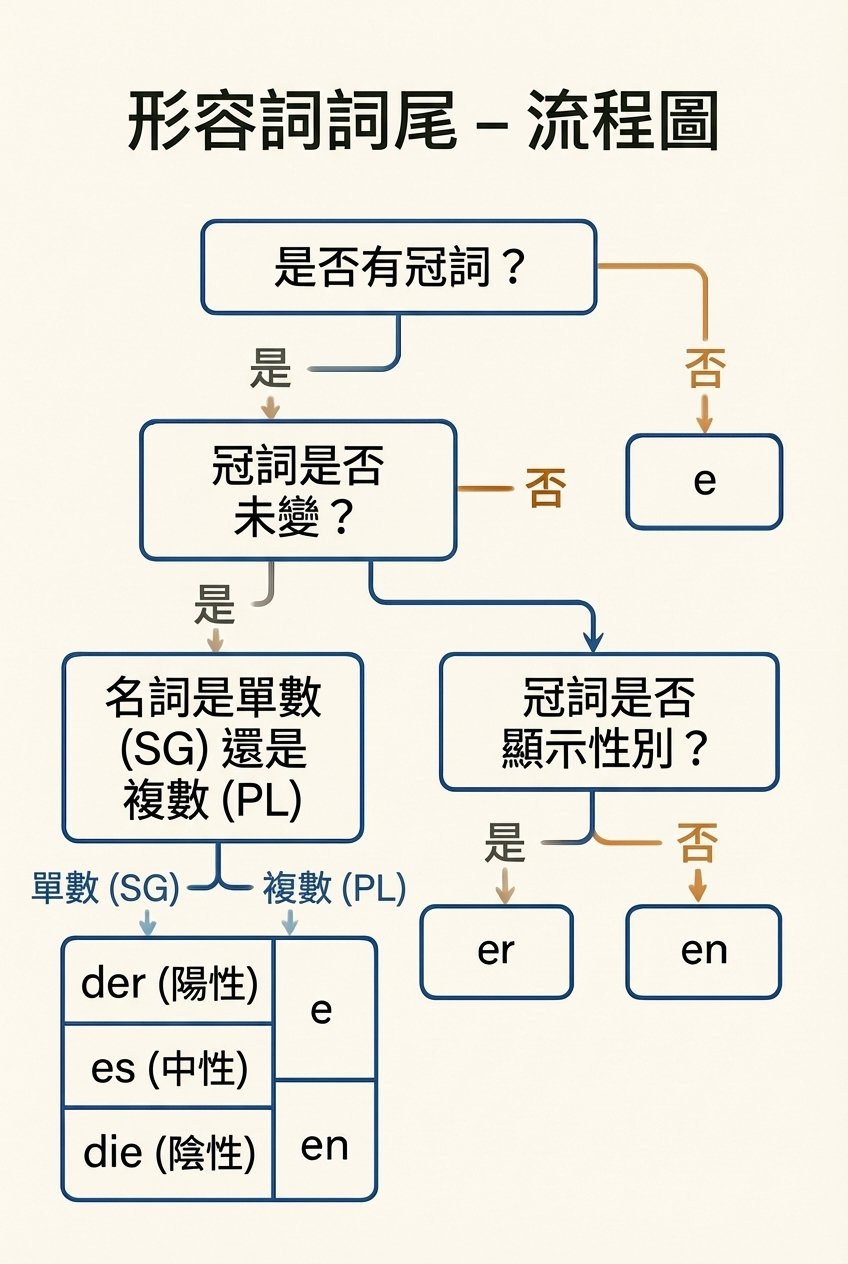
Upload the image containing Chinese text you want to translate. Works with Simplified Chinese and Traditional Chinese text in product labels, menus, signs, documents, and any other image type.

Resolution

Quick Presets

logo

This is where amazing happens

Updated on March 17, 2026
99.1%Visual Accuracy
136Target Languages
<1MinPer Image
FreeTier Available
Japanese Menu
Japanese Menu
What is Musely Translate Chinese Image?

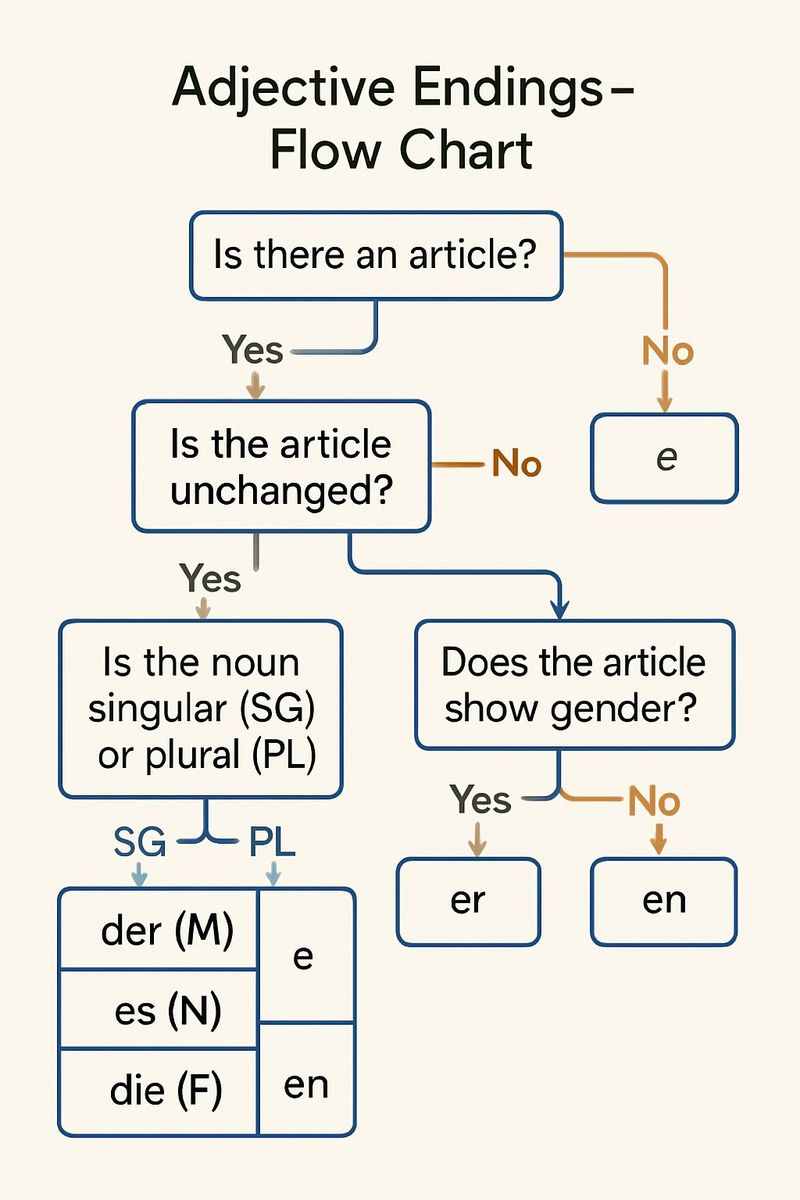
Musely Translate Chinese Image is an AI tool that translates Simplified and Traditional Chinese text in images—product labels, restaurant menus, signs, documents, infographics—while preserving the original design. Unlike OCR overlay tools that disrupt Chinese image layouts, Musely regenerates images with translated text natively rendered in place, matching original font styles, colors, and spatial arrangement. The AI handles Chinese cultural context and idiomatic expressions accurately. Musely supports 136 target languages and achieves 99.1% visual accuracy. A free tier is available for testing.

Specifications

Under the Hood

🤖AI Translation Engine

Translation Accuracy99.1% visual & linguistic
Target Languages136 languages
Chinese ScriptsSimplified and Traditional Chinese
Content Domain CoverageFood, product, business, medical, legal, cultural

Performance & Formats

Processing SpeedTypically under 60 seconds per image
Supported FormatsJPG, PNG, WebP, BMP, TIFF
Max Image SizeUp to 20MB per image
Design PreservationFonts, colors, layout, decorative elements
How It Works

Translate Chinese Images in Three Steps

1

Upload Your Chinese Image

Upload any image containing Chinese text—product labels, menus, signs, documents, infographics, or any photo with Chinese characters. Musely accepts JPG, PNG, WebP, BMP, and TIFF formats up to 20MB.

2

Choose Target Language and Options

Select your target language from 136 options. Optionally specify Simplified or Traditional Chinese, the content domain, and translation style. Musely auto-detects the Chinese script if not specified.

3

Download the Translated Image

Musely AI regenerates your image with Chinese text accurately translated and placed natively. Original fonts, colors, decorative elements, and layout are preserved. Download and use immediately.

Use Cases

Who Uses Musely Translate Chinese Image

Product Importer

Translating Chinese Product Labels for Import Compliance

I import products from Chinese manufacturers. Musely translates the product label images so I can verify ingredient lists, usage instructions, and regulatory text before submitting for import approval. Each label takes about 45 seconds, and the translation handles technical terminology accurately.

Traveler in China

Understanding Chinese Signs, Menus, and Notices

I spent 3 weeks in China and photographed every sign, menu, and notice I couldn't read. Musely translated the images so I could understand what I was ordering, where I was going, and what notices said. The translations were clear and contextually accurate—not stilted machine translation.

Amazon Marketplace Seller

Translating Chinese Competitor Product Images

I research Chinese competitor products on Alibaba and Taobao. Musely translates product listing images—specifications, feature descriptions, packaging text—so I can understand what's in the market. Saves hours of back-and-forth with translators for competitive research.

Academic Researcher

Accessing Chinese Research and Government Data

I study Chinese urban policy. Government reports and institutional documents often include infographics and charts with dense Chinese text. Musely translates these image documents accurately—about 94% correct on policy and governance terminology—making the research accessible.

Chinese Restaurant Owner

Creating English Versions of Chinese Menu Images

We have a traditional Chinese menu designed in China with beautiful calligraphy and authentic dish imagery. Musely translated the Chinese menu images into English while keeping all the decorative elements intact. Our non-Chinese customers can now read the menu properly.

Supply Chain Manager

Translating Chinese Supplier Documents and Labels

We receive compliance documents and material safety sheets from Chinese suppliers with Chinese-language images. Musely translates these for our QA team in about 50 seconds per image. Covers about 93% of our standard supplier document images accurately without manual translator costs.

Comparison

Musely vs Other Chinese Image Translation Tools

FeatureMuselyGoogle Translate (Lens)ImageTranslate.AISider AI
Translation Method✓ AI-native Chinese image regeneration⚠ OCR text overlay⚠ OCR + text overlay⚠ GPT-4.1 + OCR overlay
Simplified and Traditional Chinese✓ Both scripts auto-detected and translated✓ Both scripts supported✓ Both scripts supported⚠ Simplified only
Chinese Cultural Context✓ Idiomatic and culturally accurate translation⚠ Literal translation often⚠ Literal translation✓ Good GPT-based context
Original Design Preservation✓ Full design / font / and color preservation✗ No design preservation⚠ Basic design preservation⚠ Limited design handling
Target Languages✓ 136 target languages✓ 100+ languages✓ 130+ languages⚠ 50+ languages
Free Tier✓ Yes / free images available✓ Free with Google account⚠ Limited free trial⚠ Free with limits
Batch Processing✓ Yes / multiple Chinese images at once / No batch support✗ Yes✓ with paid plan✗ No batch support
Feature comparison based on publicly available product information, March 2026
FAQ

Frequently Asked Questions

Musely Translate Chinese Image is a strong choice in 2026, handling both Simplified and Traditional Chinese with 99.1% visual accuracy across 136 target languages. Unlike OCR overlay tools that disrupt Chinese image designs, Musely preserves original fonts, colors, and layout while translating Chinese text with cultural context. A free tier is available.

Google Translate (via Lens) overlays translated text on top of Chinese images, which typically disrupts the original design and Chinese decorative typography. Musely Translate Chinese Image regenerates the image with translated text natively placed, preserving all design elements. Musely also offers cultural context translation options and batch processing across 136 languages.

Musely Translate Chinese Image handles both Simplified Chinese (used in Mainland China, Singapore) and Traditional Chinese (used in Hong Kong, Taiwan, Macau). The AI auto-detects the Chinese script type, or you can specify it manually. Both scripts are supported across all 136 target languages with equivalent translation quality.

Musely Translate Chinese Image handles product labels and packaging, restaurant menus, street signs, business signs, documents and reports, infographics, promotional materials, and any image containing Chinese text. The tool accepts JPG, PNG, WebP, BMP, and TIFF formats up to 20MB and supports 10 content domains including food, business, medical, and legal.

Musely Translate Chinese Image offers four translation style options: natural and idiomatic (best readability), faithful and accurate (close to source), literal (word-for-word), and cultural adaptation (localized for target market). The AI applies domain-specific vocabulary across food, business, medical, and other fields to preserve Chinese cultural context and meaning in the translation.

Musely Translate Chinese Image offers a free tier with several image translations for testing. Paid plans unlock batch processing of multiple Chinese images, higher resolution output, and increased monthly limits. No credit card is required to start with the free tier.

Musely Translate Chinese Image lets you specify elements to preserve via the Additional Instructions field. You can request that Chinese brand names, product names, place names, or specific terms remain in Chinese while all other text is fully translated. The tool also supports mixed Chinese-English text images where only the Chinese portions need translation.