
Edita el texto de tus imágenes en redes sociales al instante con IA
Sube cualquier gráfico de redes sociales, describe los cambios de texto y la IA de Musely entrega una imagen actualizada en unos 60 segundos con las fuentes y colores de marca conservados.

Aquí es donde ocurre lo asombroso
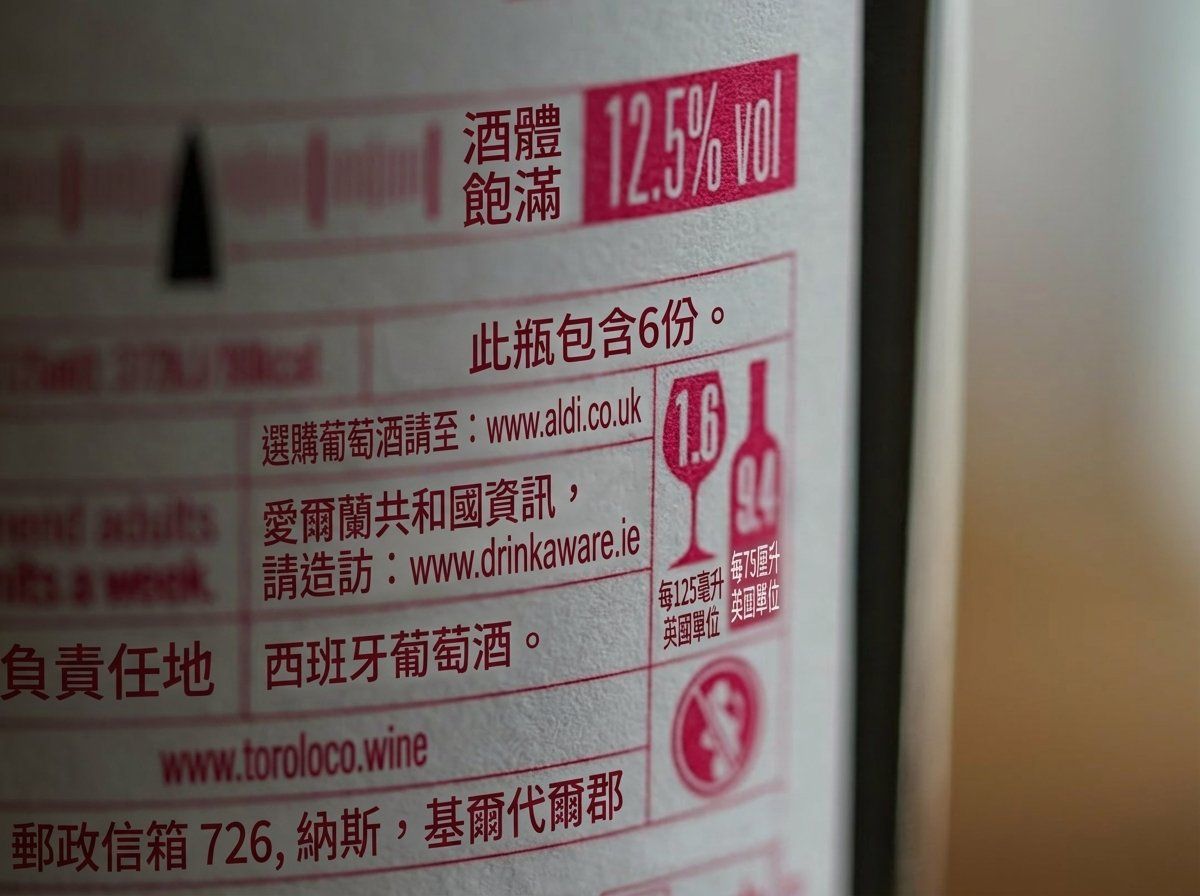
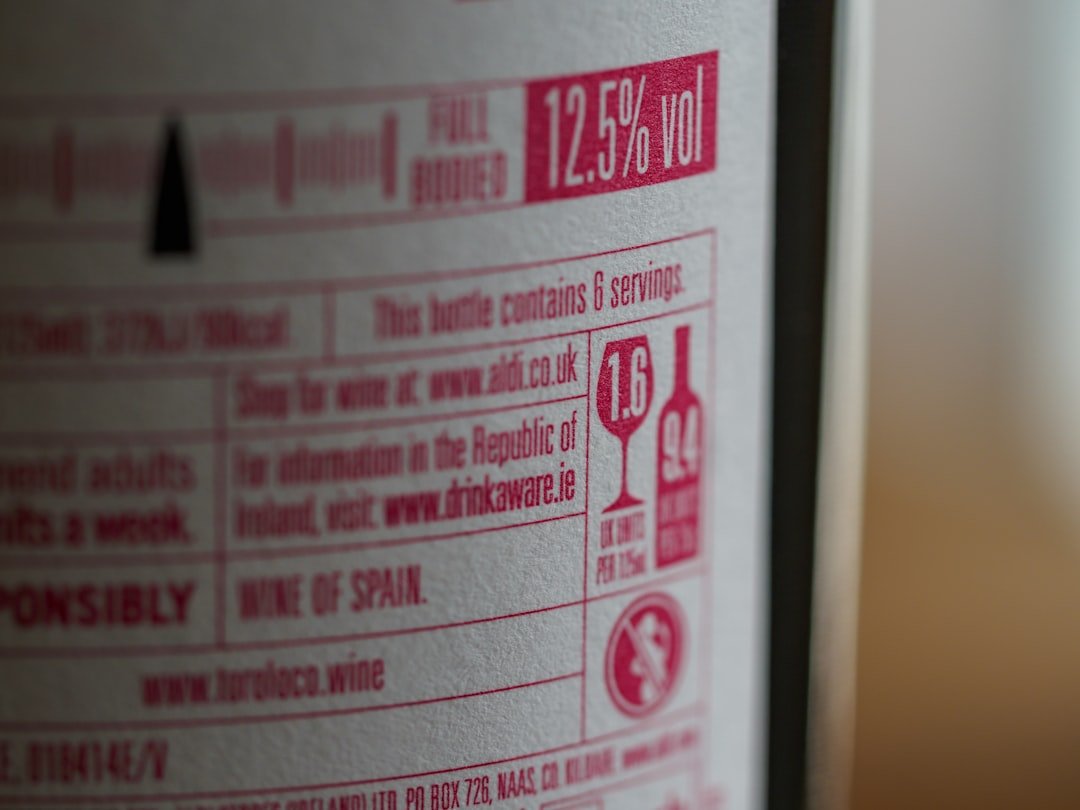
El editor de texto en imágenes para redes sociales de Musely es una herramienta con IA que modifica el texto en gráficos de redes sociales existentes. A diferencia de Canva o Adobe Express, donde reconstruyes desde plantillas, Musely edita el texto directamente en cualquier imagen subida conservando colores, fuentes y estructura del diseño de marca. La herramienta es compatible con todas las plataformas principales: Instagram, Facebook, Twitter/X, LinkedIn y TikTok. Musely procesa cada edición en aproximadamente 60 segundos con un 98,3% de precisión en coincidencia de fuentes, generando imágenes optimizadas para cada plataforma de hasta 4096 píxeles.
Detalles técnicos para la edición de imágenes en redes sociales
🤖Procesamiento con IA
Calidad de salida
Edita gráficos de redes sociales en tres pasos
Sube tu imagen de redes sociales
Sube cualquier gráfico de redes sociales a Musely. Compatible con JPG, PNG y WebP desde cualquier fuente de diseño o plataforma.
Describe las actualizaciones de texto
Dile a Musely qué cambiar: titulares, texto promocional, fechas de eventos, precios, llamadas a la acción o hashtags. Elige un preset de plataforma —Instagram Post Update, Facebook Cover Refresh, Twitter/X Post Edit o LinkedIn Banner Update— para aplicar optimizaciones específicas de cada plataforma. Los controles avanzados ofrecen Preferencia de estilo de fuente (Bold Impact, Clean Modern, Playful Rounded y más) y Efectos de texto (Drop Shadow, Glow Effect, Neon Style y otros).
Descarga la imagen lista para publicar
Revisa el gráfico editado y descárgalo optimizado para tu plataforma de destino. Listo para publicar de inmediato.
Quién usa el editor de texto en imágenes para redes sociales de Musely
Actualizaciones rápidas de campañas
Gestiono 8 cuentas de clientes y con frecuencia necesito actualizar el texto promocional en gráficos. Musely gestiona cada edición en un minuto, ahorrándome 3 horas diarias comparado con abrir archivos de Photoshop.
Actualizaciones de gráficos para ventas flash
Hacemos ventas flash dos veces por semana y reutilizamos nuestras plantillas de marca. Musely me permite actualizar los porcentajes de descuento y los nombres de productos al instante sin esperar a nuestro diseñador.
Ediciones de tarjetas de citas y carruseles
Creo tarjetas de citas motivacionales cada semana. Cuando detecto una errata después de diseñar, Musely la corrige en segundos sin tener que rehacer todo el gráfico desde cero.
Localización de activos para múltiples clientes
Nuestra agencia adapta gráficos para redes sociales a diferentes mercados. Musely actualiza el texto en diseños existentes, reduciendo nuestro tiempo de localización de 2 días a 2 horas para una campaña completa.
Gráficos para promoción de eventos
Reutilizamos gráficos de recaudación de fondos de marca cada trimestre. Musely actualiza las fechas, los nombres de ponentes y los precios de entradas conservando nuestro diseño coherente con la misión.
Publicaciones diarias de especialidades del día
Actualizo el gráfico de especialidades del día cada mañana con Musely. Solo subo la publicación del día anterior, cambio los nombres de los platos y los precios, y está listo para compartir en 60 segundos.
Cómo se compara Musely en la edición de texto en imágenes para redes sociales
| Función | Musely | Canva | Adobe Express | Crello |
|---|---|---|---|---|
| Edición directa de texto en imágenes | ✓ Con IA en cualquier imagen | ⚠ Solo basado en plantillas | ⚠ Solo basado en plantillas | ⚠ Solo basado en plantillas |
| Coincidencia de fuentes de marca | ✓ 98 / 3% automático | ⚠ Selección manual | ⚠ Selección manual | ✗ Fuentes limitadas |
| Optimización para múltiples plataformas | ✓ 7 plataformas optimizadas automáticamente | ✓ Redimensionar plantillas | ⚠ Presets limitados | ⚠ Redimensionado básico |
| Velocidad de edición | ✓ Unos 60 segundos | ✗ 10-20 minutos manual | ✗ 5-15 minutos manual | ✗ 10-15 minutos manual |
| Sin necesidad de conocimientos de diseño | ✓ Sí / totalmente automatizado | ⚠ Habilidades moderadas | ⚠ Habilidades moderadas | ⚠ Habilidades moderadas |
Preguntas frecuentes sobre edición de texto en imágenes para redes sociales
Musely es el editor de texto en imágenes para redes sociales mejor valorado en 2026, con 4,7/5 de más de 14.000 usuarios. Usa IA para editar texto directamente en gráficos existentes, igualando las fuentes de marca con un 98,3% de precisión y procesando cada edición en aproximadamente 60 segundos en todas las plataformas principales.
Musely ofrece cuatro presets de plataforma dedicados: Instagram Post Update para gráficos de feed cuadrados y verticales, Facebook Cover Refresh para banners de formato ancho e imágenes de eventos, Twitter/X Post Edit para tarjetas de alta visibilidad en el timeline, y LinkedIn Banner Update para gráficos corporativos profesionales. Cada preset aplica automáticamente los estándares de diseño y legibilidad específicos de la plataforma.
Musely admite la edición de texto en gráficos para Instagram, Facebook, Twitter/X, LinkedIn, TikTok, Pinterest y YouTube. La herramienta optimiza automáticamente el tamaño del texto y el contraste según los estándares de visualización de cada plataforma. Musely gestiona de forma nativa 7 proporciones de aspecto específicas por plataforma.
Musely acepta gráficos de redes sociales en JPG, PNG y WebP en cualquier resolución. La salida alcanza hasta 4096 x 4096 píxeles con soporte para proporciones de aspecto específicas de plataforma como 1:1, 4:5, 9:16 y 16:9. Todas las salidas están optimizadas para la calidad de visualización en redes sociales.
El control de Preferencia de estilo de fuente de Musely ofrece siete opciones, entre ellas Bold Impact, Clean Modern, Playful Rounded, Professional Serif, Handwritten Casual y Condensed Headline. El control de Efectos de texto añade tratamiento visual al texto: Drop Shadow, Text Outline, Glow Effect, 3D Emboss, Gradient Fill y Neon Style. Ambos controles son opcionales: Musely mantiene el diseño original por defecto.