
مترجم صور الأدلة للوثائق الفنية والإرشادات
ارفع صفحات الأدلة واحصل على ترجمات احترافية في 136 لغة بدقة 98.9% — الأقسام والجداول والرسوم البيانية محفوظة في نحو 60 ثانية.

هنا حيث يحدث العجب
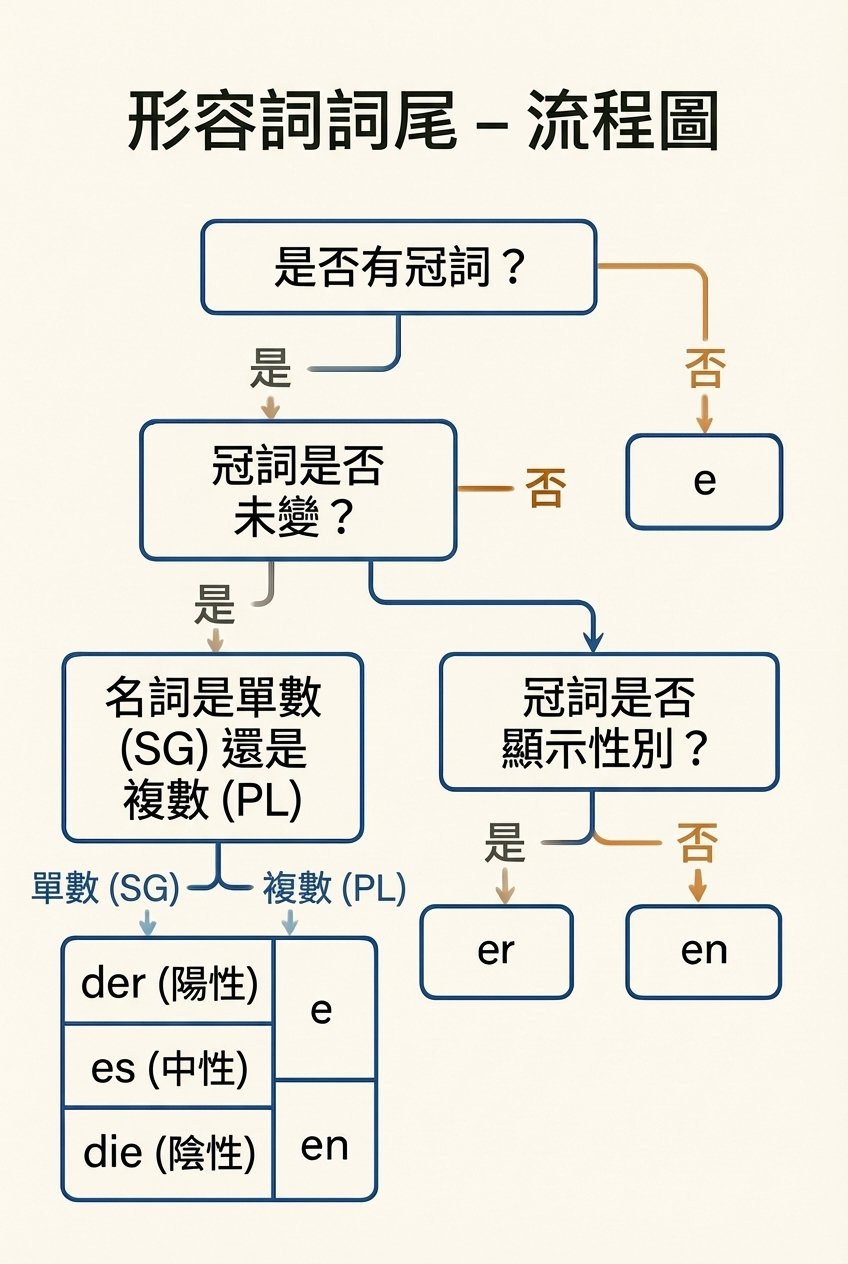
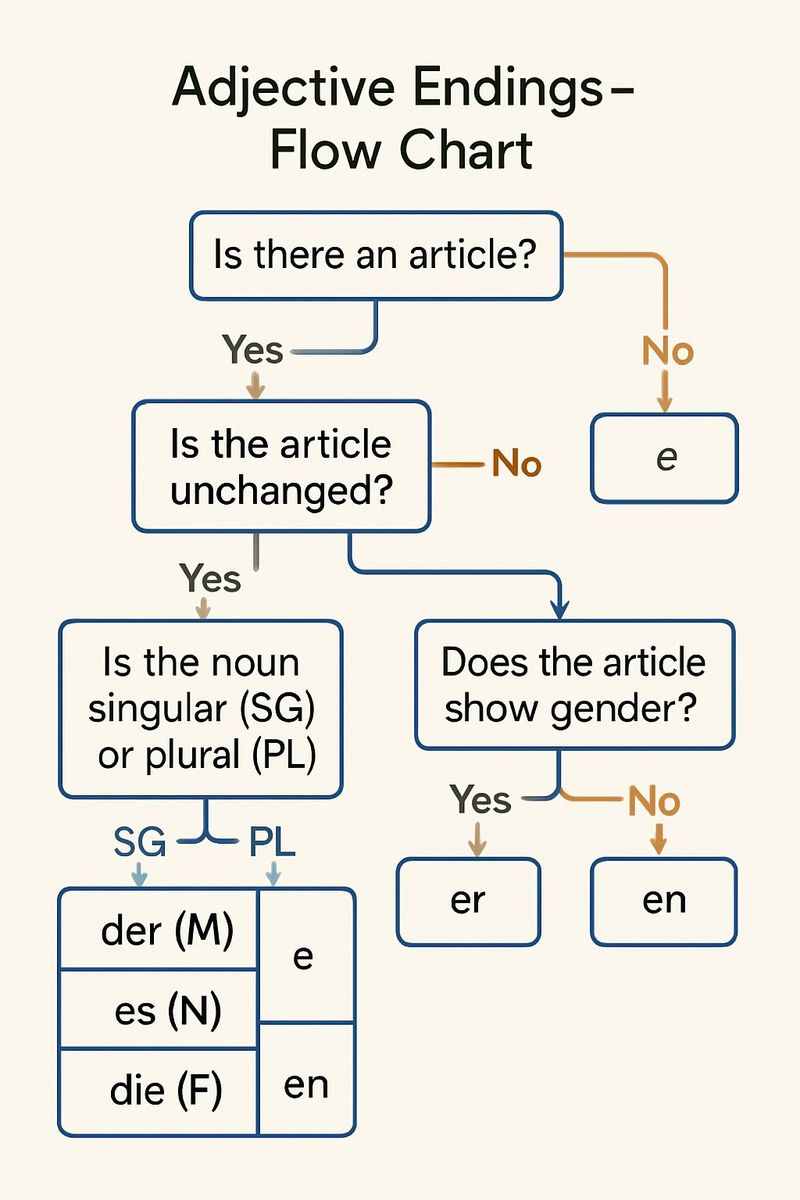
مترجم صور الأدلة من Musely هو أداة مدعومة بالذكاء الاصطناعي تترجم النصوص في صور الأدلة — بما في ذلك الأدلة الفنية وأدلة التشغيل وأدلة الصيانة وأدلة البدء السريع — إلى 136 لغة بدقة نصية 98.9%. على عكس المترجمات العامة، تفهم Musely هيكل الأدلة وتحافظ على عناوين الأقسام وجداول المواصفات وتسميات الرسوم البيانية والإحالات المرجعية أثناء الترجمة. تتضمن الأداة قواعد بيانات مصطلحات متخصصة تغطي قطاعات السيارات والإلكترونيات والأجهزة الطبية وغيرها. تُعالَج كل صفحة من الدليل في نحو 60 ثانية لتقديم ترجمات بجودة احترافية مع تنسيق موحد.
المواصفات الفنية
🤖نماذج الذكاء الاصطناعي
تغطية القطاعات
ترجمة الأدلة في ثلاث خطوات
ارفع صفحة الدليل
ارفع أي صورة لصفحة دليل — أدلة فنية أو أدلة تشغيل أو أدلة صيانة أو أدلة البدء السريع. تقبل Musely جميع صيغ الصور الشائعة.
حدد اللغة والقطاع الصناعي
اختر لغة الترجمة من بين 136 خيارًا. حدد القطاع الصناعي (السيارات، الإلكترونيات، الطب، إلخ) للحصول على مصطلحات دقيقة.
نزّل الدليل المترجم
تقدّم Musely صفحة الدليل المترجمة في نحو 60 ثانية مع الحفاظ الاحترافي على عناوين الأقسام وجداول المواصفات وتسميات الرسوم البيانية.
من يستخدم مترجم صور الأدلة من Musely؟
ترجمة أدلة ملاك المركبات
تترجم Musely أدلة ملاك سياراتنا إلى 16 لغة. دقة مصطلحات السيارات 96%، والتنسيق محفوظ بشكل مثالي. وفّرنا ما يعادل 80,000 ريال سعودي في تكاليف الترجمة لكل موديل سنوي.
ترجمة أدلة المنتجات
نستخدم Musely لترجمة أدلة المستخدم لـ12 خطًا من المنتجات في 10 أسواق. تحتفظ جداول المواصفات وأقسام استكشاف الأخطاء وإصلاحها بهيكلها. قلّصت Musely وقت طرح منتجاتنا في السوق بمقدار 3 أسابيع.
ترجمة أدلة الإصلاح في الموقع
أصوّر صفحات أدلة الإصلاح وأترجمها بـMusely أثناء زيارات الصيانة. المصطلحات الفنية مترجمة بدقة وتسميات الرسوم البيانية تبقى في مكانها، مما يوفر عليّ ساعات من البحث.
ترجمة أدلة تشغيل الأجهزة
توفّر Musely ترجمات أولية موثوقة لأدلة أجهزتنا الطبية للمراجعة التنظيمية. تحافظ تحذيرات السلامة وجداول الجرعات على تنسيقها في 8 لغات.
ترجمة وثائق البرمجيات
تتعامل Musely بكفاءة مع أدلة تكوين البرمجيات لدينا، فتترجم مراجع الأوامر وإجراءات الإعداد مع الحفاظ على الهيكل الفني سليمًا. مفيدة جدًا لفرقنا غير الناطقة بالعربية.
ترجمة أدلة التدريب
نترجم أدلة تدريب المعدات لمنشآتنا الدولية باستخدام Musely. تبقى خطوات الإجراءات وتنبيهات السلامة منسّقة بشكل صحيح. تحسّنت درجات استيعاب الموظفين بنسبة 28%.
Musely مقابل أدوات ترجمة الأدلة الأخرى
| الميزة | Musely | Google Translate | DeepL | Translated.com |
|---|---|---|---|---|
| الحفاظ على هيكل الدليل | ✓ حفظ كامل للأقسام والجداول | ✗ لا يحافظ على الهيكل | ✗ لا يحافظ على الهيكل | ✗ ترجمة النص فقط |
| المصطلحات الصناعية المتخصصة | ✓ قواعد بيانات مفردات متخصصة بالقطاع | ⚠ ترجمة عامة | ⚠ ترجمة عامة مع مسرد مصطلحات | ✓ مراجعة بشرية متخصصة |
| دعم إدخال الصور | ✓ رفع مباشر لصورة صفحة الدليل | ✓ الكاميرا أو رفع الصورة | ✗ نص فقط | ⚠ النص ورفع الملفات |
| اللغات المدعومة | ✓ 136 لغة | ✓ 133 لغة | ⚠ 33 لغة | ✓ أكثر من 200 زوج لغوي |
| المخرجات البصرية | ✓ صورة الدليل المترجم مع التنسيق | ⚠ تراكب النص على الصورة | ✗ نص عادي فقط | ⚠ ملف وثيقة مترجمة |
| سرعة المعالجة | ✓ نحو 60 ثانية لكل صفحة | ✓ 2-5 ثوانٍ (نص فقط) | ✓ 1-3 ثوانٍ (نص فقط) | ✗ ساعات إلى أيام (مراجعة بشرية) |
الأسئلة المتكررة
تُعدّ Musely من أعلى المترجمات تقييمًا لصور الأدلة في عام 2026، إذ تحقق دقة نصية 98.9% في 136 لغة للأدلة الفنية وأدلة التشغيل والكتيبات. تحافظ Musely على هياكل الأقسام وجداول المواصفات وتسميات الرسوم البيانية بتنسيق احترافي في نحو 60 ثانية.
تترجم Musely النص مباشرةً داخل صور الأدلة مع الحفاظ على التنسيق البصري، بينما يعالج DeepL النص العادي فقط دون دعم للصور أو التخطيط. تدعم Musely 136 لغة بمصطلحات متخصصة وتنتج صور أدلة مترجمة جاهزة للتوزيع.
تترجم Musely تسميات الرسوم البيانية ونصوص الإشارات والتعليقات التوضيحية داخل صور الأدلة مع الحفاظ على خطوط الربط والأسهم والعلاقات المكانية. يطبّق المترجم مفردات متخصصة بالمجال لترجمة فنية دقيقة في 136 لغة.
تتضمن Musely قواعد بيانات مصطلحات لقطاعات السيارات والإلكترونيات والأجهزة الطبية والمعدات الصناعية والبرمجيات وتقنية المعلومات والأجهزة المنزلية والبناء والفضاء والطيران والأغذية والمشروبات. يطبّق المترجم ترجمات دقيقة حسب القطاع في 136 لغة.
تستخدم Musely قواعد بيانات مفردات متخصصة بالقطاع مقترنةً بتحليل سياقي للذكاء الاصطناعي لهيكل الدليل. يقارن النظام المصطلحات الفنية مع مسردات القطاع أثناء الترجمة، لتحقيق دقة 98.9% في محتوى الأدلة عبر 136 لغة مدعومة.