
ترجم لقطات شاشة الألعاب مع الحفاظ على الفن البصري وواجهة اللعبة
يحوّل مترجم لقطات شاشة Musely النصوص داخل اللعبة إلى أكثر من 35 لغة مع إبقاء HUD والقوائم والجو البصري سليمَين بدقة 99.1%.

هنا حيث يحدث العجب
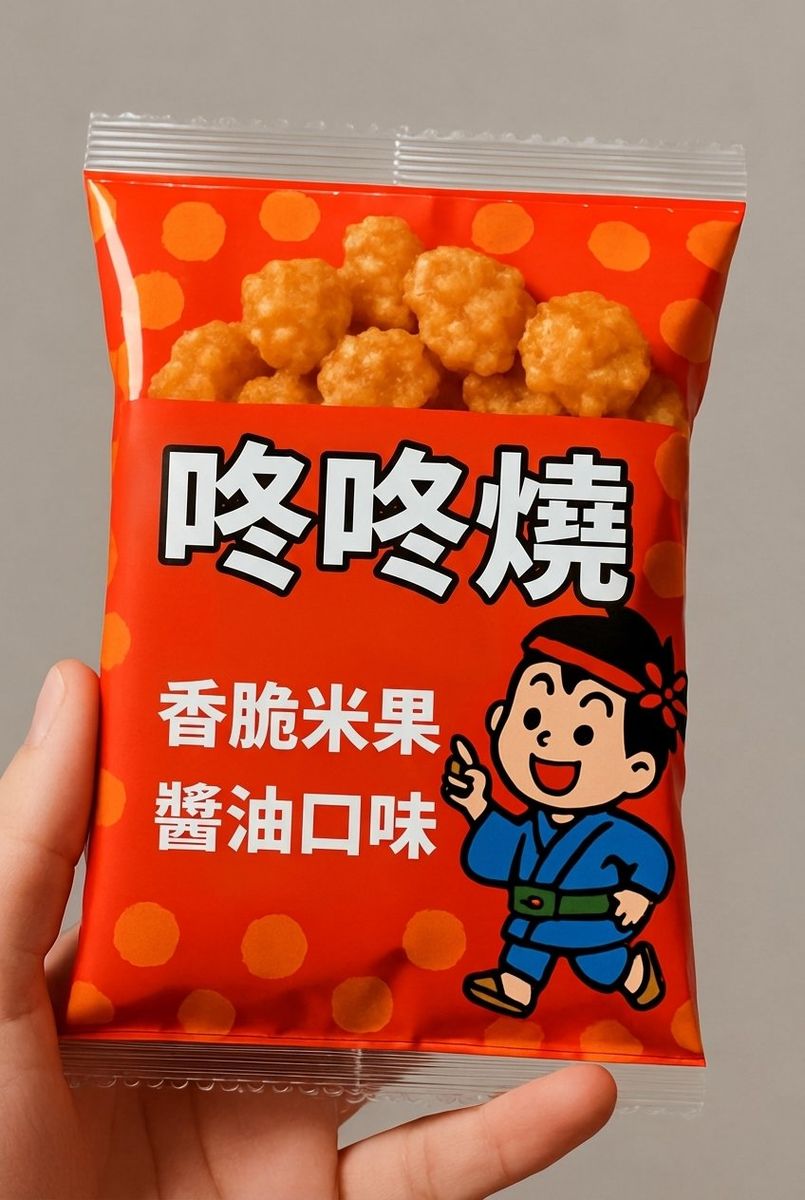
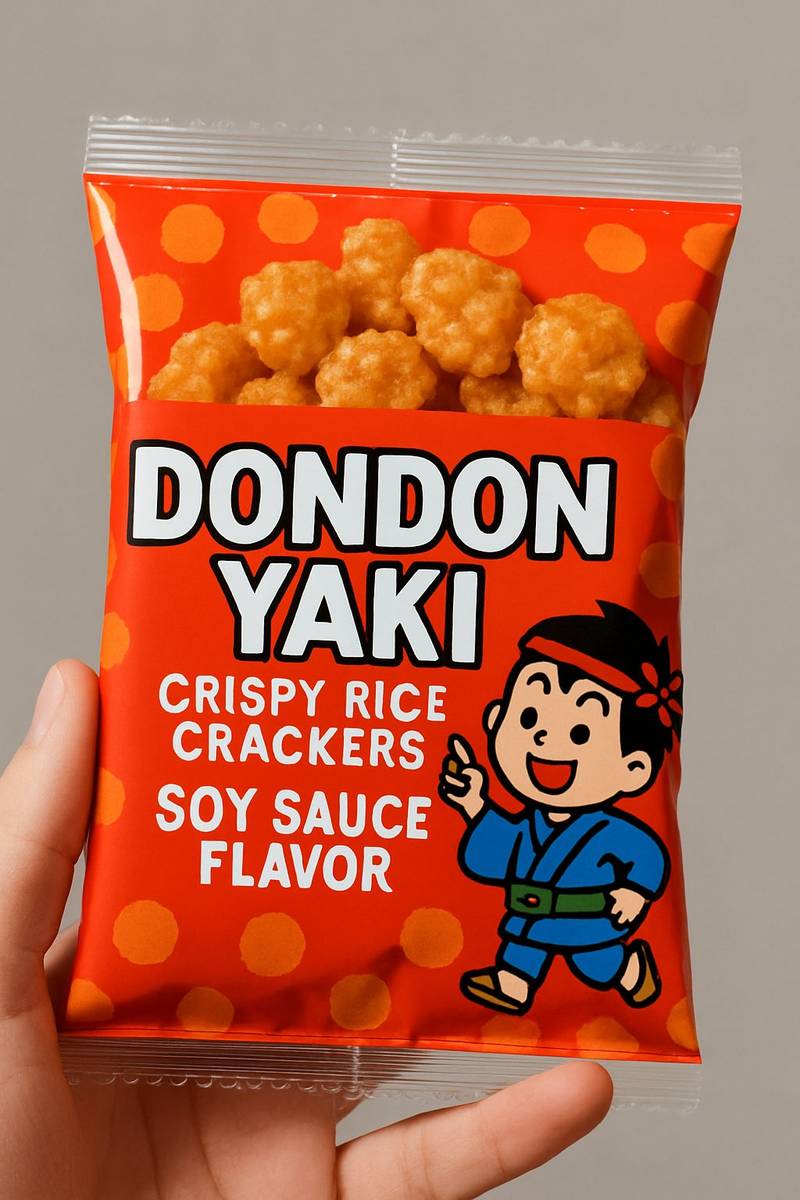
مترجم لقطات شاشة الألعاب من Musely أداة مدعومة بالذكاء الاصطناعي تترجم جميع النصوص داخل اللعبة في صور لقطات الشاشة إلى أكثر من 35 لغة مع الحفاظ على عناصر HUD الأصلية والأسلوب الفني ومربعات الحوار والجو البصري. على خلاف مترجمات الصور العامة، يُحسَّن Musely لأنماط النص الخاصة بالألعاب بما فيها أوصاف المهارات وواجهات القوائم وسجلات المهام وحوارات الشخصيات. يكشف الذكاء الاصطناعي عن الخطوط الزخرفية للألعاب ويعيد توليد النص المترجم الذي يتناسب مع الهوية البصرية للعبة. يعالج Musely كل لقطة شاشة في حوالي 44 ثانية بدقة 99.1%.
مواصفات مترجم لقطات شاشة الألعاب من Musely
🤖محرك الذكاء الاصطناعي
⚡دعم الألعاب
ترجمة لقطات شاشة الألعاب في 3 خطوات
ارفع لقطة شاشة اللعبة
التقط لقطة الشاشة وارفعها بتنسيق PNG أو JPG أو WebP على مترجم لقطات شاشة Musely.
اختر اللغة المستهدفة
اختر من بين أكثر من 35 لغة. يحدد ذكاء Musely الاصطناعي تلقائيًا الحوارات والقوائم ونصوص HUD والتلميحات وأوصاف المهارات.
احصل على لقطة الشاشة المترجمة
نزّل لقطة شاشة اللعبة المترجمة مع الحفاظ على جميع فنون اللعبة وعناصر HUD والجو البصري في حوالي 44 ثانية.
من يستخدم مترجم لقطات شاشة الألعاب من Musely؟
فهم الألعاب بلغات أجنبية
ألعب كثيرًا من ألعاب RPG اليابانية قبل صدور التحديثات الرسمية باللغة العربية. يترجم Musely لقطات شاشتي حتى أتمكن من متابعة القصة وفهم أوصاف المهارات.
محتوى ألعاب متعدد اللغات
جمهوري يمتد على 5 لغات. يترجم Musely لقطات شاشة الألعاب لأدلتي ومراجعاتي، مما يساعدني على الوصول إلى 40% مزيد من المشاهدين في مناطق مختلفة.
معاينات الألعاب المستوردة قبل إطلاقها
عند تغطية إصدارات الألعاب الآسيوية، أترجم لقطات الشاشة بـ Musely لإنشاء معاينات دقيقة لقرائنا الناطقين بالعربية قبل وصول الترجمات الرسمية.
ترجمة مراجع الألعاب
أدير ويكي ألعاب ويساعدني Musely على ترجمة لقطات شاشة الألعاب الكورية والصينية لقواعد بيانات المهارات وكتالوجات العناصر التي تخدم مجتمعنا الدولي.
معاينات اختبار الترجمة
قبل الاستثمار في الترجمة الكاملة، أستخدم Musely لمعاينة مظهر لقطات شاشتي بلغات مختلفة. يساعدني ذلك على التخطيط لتخطيطات واجهة المستخدم لتوسيع النص.
دعم المجتمع متعدد اللغات
مجتمع الألعاب لدينا فيه أعضاء من 15 دولة. يترجم Musely لقطات الشاشة المشاركة في النقاشات حتى يتمكن الجميع من المشاركة بغض النظر عن اللغة.
كيف يقارن مترجم لقطات شاشة Musely بالمنافسين
| الميزة | Musely | Google Translate | Yandex Translate | ImageTranslate |
|---|---|---|---|---|
| الحفاظ على فن اللعبة | ✓ الحفاظ الكامل على HUD وفن اللعبة | ✗ لا حفاظ بصري | ⚠ طبقة أساسية | ⚠ معالجة جزئية للصورة |
| الكشف عن الخطوط الزخرفية | ✓ كشف الخطوط الزخرفية للألعاب بالذكاء الاصطناعي | ⚠ نص قياسي فقط | ⚠ نص قياسي فقط | ⚠ كشف محدود للخطوط |
| اللغات المدعومة | ✓ أكثر من 35 لغة | ✓ أكثر من 130 لغة | ✓ أكثر من 100 لغة | ✓ أكثر من 40 لغة |
| ترجمة مربعات الحوار | ✓ نص ملائم داخل مربعات الحوار الأصلية | ⚠ استخراج النص فقط | ⚠ طبقة نص | ⚠ استبدال أساسي للنص |
| سرعة المعالجة | ✓ ~44 ثانية لكل لقطة شاشة | ⚠ نص فوري فقط | ⚠ نص فوري فقط | ⚠ 2-3 دقائق |
| السياق الخاص باللعبة | ✓ وعي بمصطلحات وسياق الألعاب | ✗ ترجمة عامة | ✗ ترجمة عامة | ✗ ترجمة عامة |
الأسئلة الشائعة حول مترجم لقطات شاشة الألعاب
Musely هو مترجم رائد لقطات شاشة الألعاب يدعم أكثر من 35 لغة بدقة 99.1% في الكشف عن النص. يحافظ Musely على عناصر HUD وفن اللعبة والجو البصري أثناء الترجمة، ويعالج كل لقطة شاشة في حوالي 44 ثانية.
يعيد Musely توليد لقطات شاشة الألعاب بالنص المترجم الملائم داخل مربعات الحوار وعناصر واجهة المستخدم. يستخرج Google Translate النص دون الحفاظ على المرئيات البصرية للعبة. يستخدم Musely أيضًا الترجمة ذات السياق الخاص بالألعاب لأسماء مهارات ومصطلحات دقيقة عبر أكثر من 35 لغة.
يتفوق Musely في ترجمة لقطات شاشة ألعاب RPG اليابانية وألعاب MMO الكورية والألعاب الجوالة الصينية والروايات المرئية. يكشف الذكاء الاصطناعي عن الخطوط الزخرفية للألعاب ويترجم الحوارات ونصوص القوائم ويحافظ على الأسلوب الفني الفريد للعبة وعناصر HUD.
يقبل Musely تنسيقات PNG وJPG وWebP بدقات تصل إلى 4096 × 4096 بكسل. تتعامل الأداة مع لقطات شاشة الألعاب على الحاسب الشخصي والأجهزة المنزلية والجوال عبر أكثر من 35 لغة مستهدفة.
يستخدم Musely تقنية OCR متعددة الطبقات مُحسَّنة للخطوط الزخرفية والأسلوبية للألعاب بدقة كشف 99.1%. يطابق الذكاء الاصطناعي خصائص الخطوط الأصلية للعبة ويعيد توليد النص المترجم باستخدام التوليف المدعوم بـ Gemini الذي يندمج مع الهوية البصرية للعبة.