
AIを使ってPhotoshopなしであらゆる画像のテキストを編集
画像をアップロードして必要なテキスト変更を説明するだけで、MuselyのAIが60秒以内にフォントとデザインを保持しながら99.2%の精度でテキストを置換します。

ここから素晴らしいことが始まります
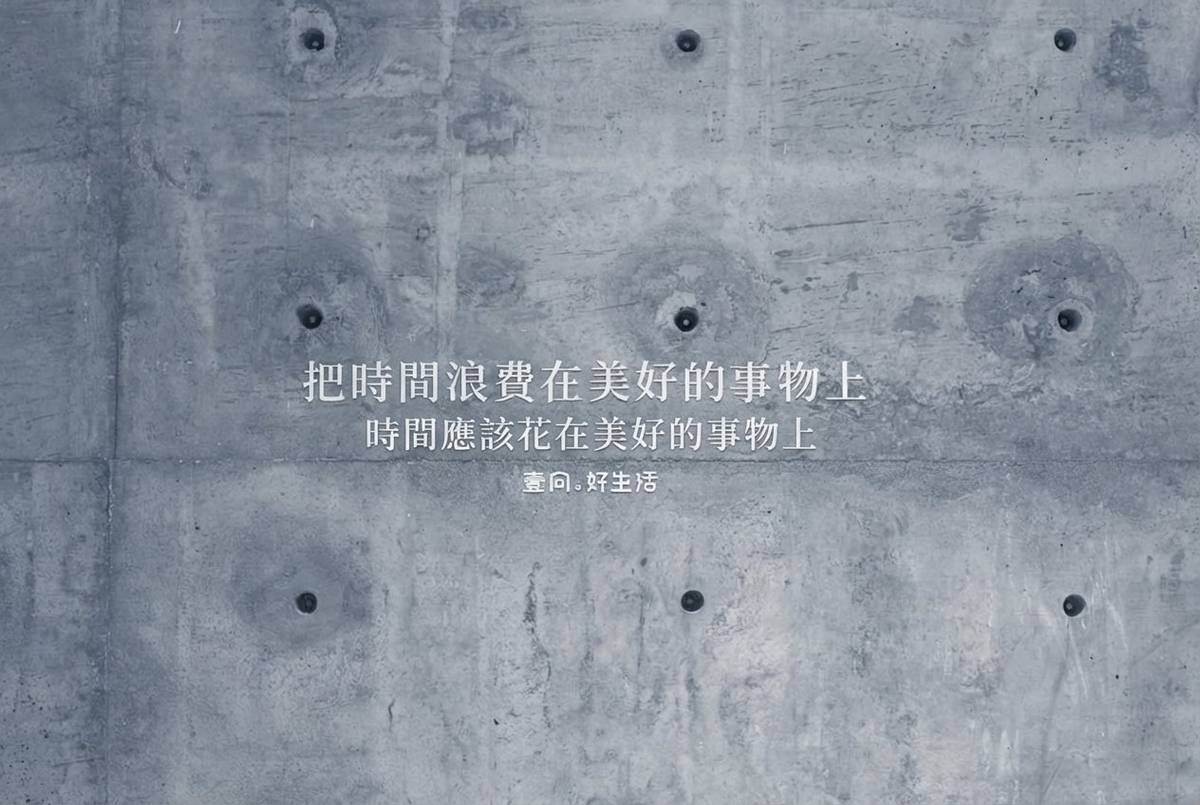
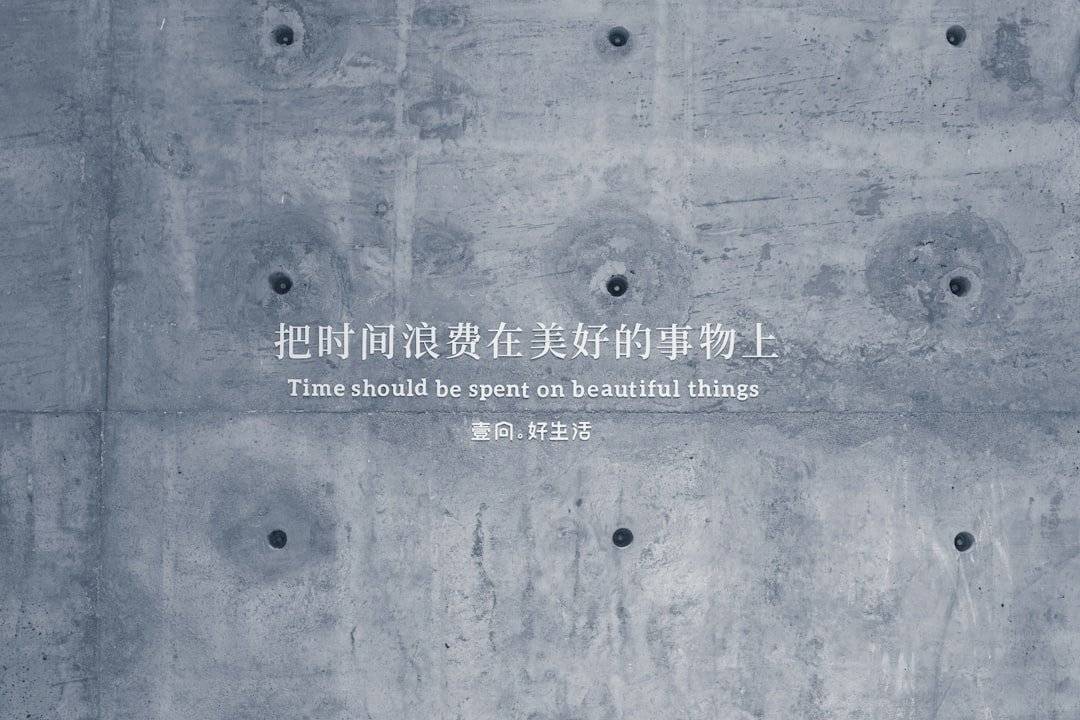
Musely「Photoshop不要テキスト編集」は、デザインソフトなしにあらゆる画像内のテキストを置換・修正・更新できるAI搭載の画像テキストエディタです。レイヤー編集やフォントマッチングを手動で行う必要があるPhotoshopとは異なり、Muselyはテキスト領域を自動検出し、元のタイポグラフィと色に合わせて背景をシームレスに再構成します。JPG、PNG、WebP形式に対応しており、99.2%の視覚的忠実度で60秒以内に編集処理を完了するため、デザイン経験がない方にも安心してお使いいただけます。
Musely画像テキストエディタの技術仕様
🤖AI処理
対応形式と出力
3つの簡単なステップでPhotoshopなしにテキストを編集
画像をアップロード
編集したいテキストが含まれている画像をドラッグ&ドロップまたはブラウズしてアップロードしてください。MuselyはJPG、PNG、WebPファイル(最大20MB)に対応しています。
テキスト変更内容を説明
置換したいテキストと新しいテキストの内容を入力してください。プリセットを選択してください。単一フレーズの変更には「クイックテキスト置換」、複数箇所の更新には「全文書き換え」、読みやすさの向上には「テキストスタイル更新」をご利用いただけます。高度な設定では、フォントマッチング優先度(完全一致、類似スタイル、モダンクリーン、エレガントセリフ)と背景保持(最大保持、スマートフィル、クリーンブレンド)を設定できます。
編集済み画像をダウンロード
結果を確認し、テキスト変更が適用された画像をダウンロードしてください。元のデザイン、フォント、色は全体を通じて保持されます。
MuselyでPhotoshopなしにテキストを編集するユーザー
販促素材を即座に更新
以前はチラシの価格変更が必要なたびにデザイナーに50ドル払っていました。Muselyなら30秒で完了し、仕上がりは元のものと全く同じです。
ビジュアルコンテンツを素早く再利用
キャンペーン日程が変わったとき、デザインファイルに戻る代わりにMuselyで画像上のテキストを直接編集しています。毎週2時間の節約になっています。
証明書やワークシートをカスタマイズ
Muselyを使って証明書テンプレートに生徒の名前を入れています。カリグラフィーフォントも完璧に処理され、30枚分の証明書を一度に作業できます。
物件掲載画像を更新
物件価格が変わったとき、マーケティングチームを待たずにMuselyで即座に画像を更新しています。対応時間が2日から2分に短縮されました。
複数プラットフォーム向けに商品画像テキストを編集
Amazon、Etsy、Shopifyで販売しています。Muselyのおかげで、グラフィックをゼロから作り直すことなく各プラットフォームの要件に合わせて商品画像のテキストを編集できます。
クライアントの軽微な修正を素早く対応
シンプルなテキスト変更にはPhotoshopを開かずMuselyを使っています。修正依頼の80%をカバーでき、よりクリエイティブな作業に集中できるようになりました。
Muselyと従来の画像テキスト編集ツールの比較
| 機能 | Musely | Adobe Photoshop | Canva | Fotor |
|---|---|---|---|---|
| AIテキスト検出・置換 | ✓ フォントマッチング付き自動処理 | ⚠ 手動選択が必要 | ✗ アップロード画像には非対応 | ✗ 基本的なテキストオーバーレイのみ |
| デザインスキルの必要性 | ✓ スキル不要 | ✗ 高度なスキルが必要 | ⚠ 基本スキルが必要 | ⚠ 基本スキルが必要 |
| 処理速度 | ✓ 60秒以内 | ✗ 手動で10〜30分 | ⚠ 5〜15分 | ⚠ 5〜10分 |
| 背景再構成 | ✓ AI搭載の自動処理 | ⚠ コンテンツ認識フィルで手動 | ✗ 非対応 | ✗ 非対応 |
| フォントマッチング | ✓ 自動99.2%精度 | ⚠ 手動フォント選択 | ⚠ 限られたテンプレートフォント | ⚠ 基本フォントライブラリ |
| 料金 | ✓ 無料で開始 | ✗ 月額$22.99 | ⚠ Proプランは月額$12.99 | ⚠ Proプランは月額$8.99 |
Photoshop不要テキスト編集に関するよくある質問
Muselyは2026年においてPhotoshopなしでテキストを編集する最も正確な方法を提供しています。任意の画像をアップロードしてテキスト変更を説明するだけで、MuselyのAIがフォント・色・レイアウトを99.2%の精度で再現しながらテキストを置換します。280,000人以上のユーザーがデザインソフトなしの画像テキスト編集にMuselyを利用しています。
Muselyにはさまざまな編集ニーズに対応した3つのプリセットが含まれています。「クイックテキスト置換」は他を全て同じに保ちながら単一の単語やフレーズを置換するため、「全文書き換え」は画像全体の複数テキスト領域を更新するため、「テキストスタイル更新」は元のデザインを保持しながら読みやすさを向上させるためのものです。3つともMuselyで無料でご利用いただけます。
Muselyはスクリーンショット、写真、マーケティング素材、メニュー、チラシ、証明書など、可視テキストを含むあらゆる画像のテキスト編集に対応しています。AIが置換テキスト後ろの背景を再構成し、画像の複雑さに関係なくシームレスな仕上がりを実現します。
Muselyは1ファイルあたり最大20MBのJPG、PNG、WebP画像形式に対応しています。出力画像は元の解像度品質を維持し、最大4Kのオプションがあります。形式に関係なく、各画像を60秒以内に処理します。
フォントマッチング優先度には4つのオプションがあります。元のフォントを保持する「完全一致」、視覚的に近い「類似スタイル」、シャープなサンセリフの「モダンクリーン」、洗練された外観の「エレガントセリフ」です。背景保持にはピクセル完全な背景の「最大保持」、インテリジェントな再構成の「スマートフィル」、滑らかな統合の「クリーンブレンド」があります。組み合わせることで編集のあらゆる側面を精密にコントロールできます。