
Edit Text in Image with AI Precision
Upload any image, describe your text changes, and Musely's AI replaces the text while preserving fonts, colors, and layout. 98.7% style accuracy in under 60 seconds.

This is where amazing happens
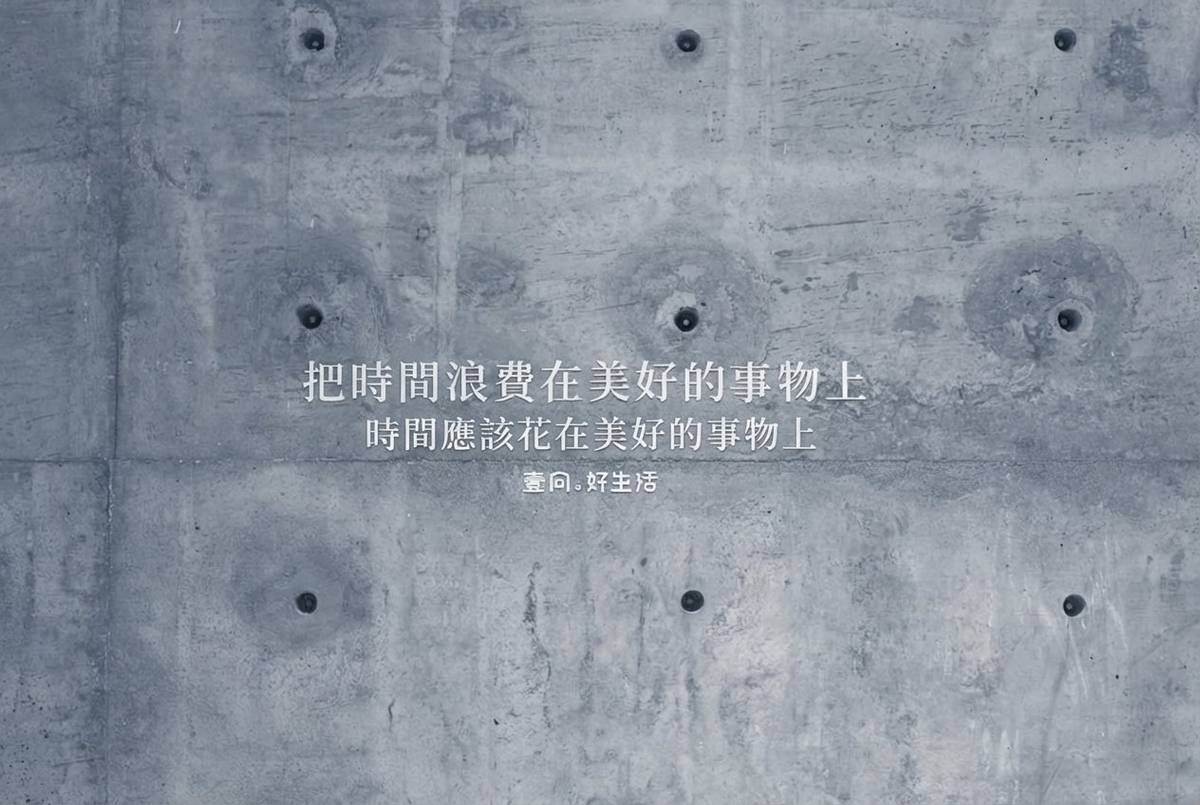
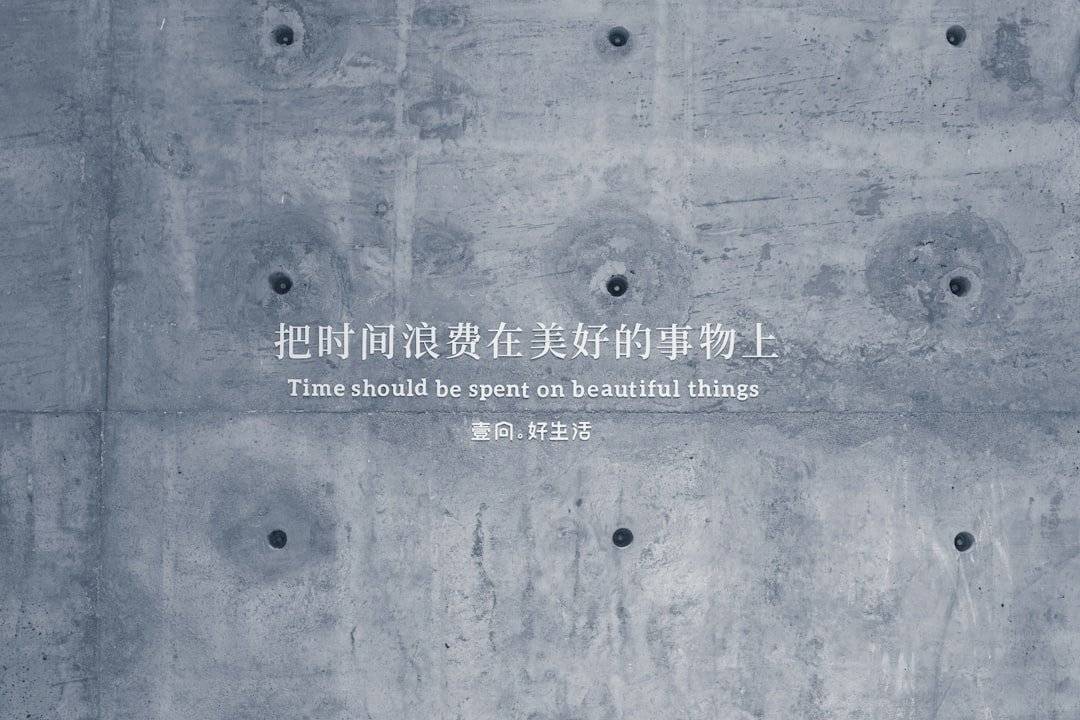
Musely Edit Text in Image is an AI image text editor that detects and replaces text within any uploaded image while preserving the original design. Unlike Photoshop, which requires manual layer editing, Musely uses Gemini to automatically match font styles, colors, and positioning with 98.7% accuracy. The tool supports 136 languages for localization workflows, handles JPG, PNG, and WebP formats, and processes each edit in under 60 seconds. Over 185,000 creators use Musely to update marketing materials, signage, and social media graphics without design skills.
Technical Details Behind the AI
🤖AI Models
Performance
Edit Text in Image in Three Simple Steps
Upload Your Image
Drag and drop or browse to upload the image containing the text you need to change. Musely accepts JPG, PNG, and WebP formats.
Describe Your Text Changes
Select a preset — Quick Text Swap, Multi-Text Edit, or Localization Ready — then type your change instructions. Use the Font Matching Priority control to choose Exact Match Attempt, Similar Style, or Creative Interpretation depending on how closely you need the replacement text to match the original.
Download Your Edited Image
Musely's AI processes your edits in under 60 seconds and returns the image with updated text, fully preserving the original design and layout.
Who Uses Musely to Edit Text in Images?
Update Campaign Assets Fast
I used to wait 2 days for our designer to update promo banners. With Musely, I edit text in image files myself in under a minute. Saved our team roughly $1,200 per month in design revision costs.
Localize Product Images
We sell in 8 markets and needed product images in local languages. Musely lets me edit text in image graphics for each market without hiring separate designers. Reduced localization time by 73%.
Refresh Social Content Quickly
When dates or offers change last-minute, I edit text in image posts and stories in seconds. Musely keeps the brand look consistent without needing the original editable files.
Update Menu Boards and Flyers
Our seasonal menu changes monthly. Musely lets me edit text in image versions of our menu boards without calling the print shop. Saves about $400 each quarter on reprints.
Update Property Listing Images
When pricing or details change on a listing, I edit text in image flyers instantly. Musely preserved the professional look of the original. Closed deals 18% faster with up-to-date materials.
Revise Course Thumbnails and Slides
Updating course thumbnails across 47 lessons used to take hours. Musely lets me edit text in image thumbnails in bulk with consistent styling. Cut my update time by 85%.
Musely vs. Other Image Text Editors
| Feature | Musely | Canva | Photoshop | Fotor |
|---|---|---|---|---|
| Edit text directly on flattened images | ✓ Yes / AI-powered auto detection / No / requires editable layers / Yes | ✗ manual selection required | ⚠ No | ✗ requires editable layers |
| Automatic font style matching | ✓ Yes / 98.7% accuracy | ✗ Not available | ⚠ Manual font selection only | ✗ Not available |
| No design skills needed | ✓ Yes / natural language instructions / Partial / template-based / No | ⚠ professional tool | ✗ Partial | ⚠ basic editor |
| Multi-language text support | ✓ 136 languages | ⚠ Limited language support | ⚠ Manual input only | ⚠ Limited language support |
| Processing time per edit | ✓ Under 60 seconds | ⚠ Varies by complexity | ✗ 5-15 minutes manual | ⚠ Varies by complexity |
| Free tier available | ✓ Yes / free to start / Yes / with limitations / No | ⚠ subscription required | ✗ Yes | ⚠ with watermark |
Frequently Asked Questions About Editing Text in Images
Musely is the top-rated tool to edit text in image for 2026. Powered by Gemini, Musely automatically detects text, matches font styles with 98.7% accuracy, and completes edits in under 60 seconds. Over 185,000 creators rely on Musely for fast, professional text edits without design software.
Musely provides three presets: Quick Text Swap replaces a single text element while keeping everything else identical, Multi-Text Edit changes multiple text blocks across the image in one pass, and Localization Ready adapts the text area to fit translated content of different lengths. Choosing the right preset ensures the AI applies the optimal font-matching and layout strategy for your task.
Musely's Font Matching Priority gives you three modes: Exact Match Attempt reproduces the original typeface as closely as possible, Similar Style uses a closely related font when an exact match is difficult, and Creative Interpretation allows stylistic freedom while staying visually harmonious. Over 185,000 creators use this control to fine-tune how closely replacement text mirrors the original design.
Musely accepts JPG, PNG, and WebP formats with a maximum resolution of 4096 x 4096 pixels. The output preserves original image quality with lossless text integration. Musely processes each uploaded image through Gemini for thorough text detection and replacement.
Musely's AI analyzes the font style, weight, color, size, and positioning of existing text before generating replacements. The system achieves 98.7% style accuracy by using Gemini's advanced image understanding. Background textures and gradients behind text are preserved seamlessly.