
Edita el texto de imágenes de invitaciones al instante con IA
Sube tu invitación, describe los cambios y la IA de Musely actualiza nombres, fechas y lugares en unos 60 segundos conservando el diseño original intacto.

Aquí es donde ocurre lo asombroso
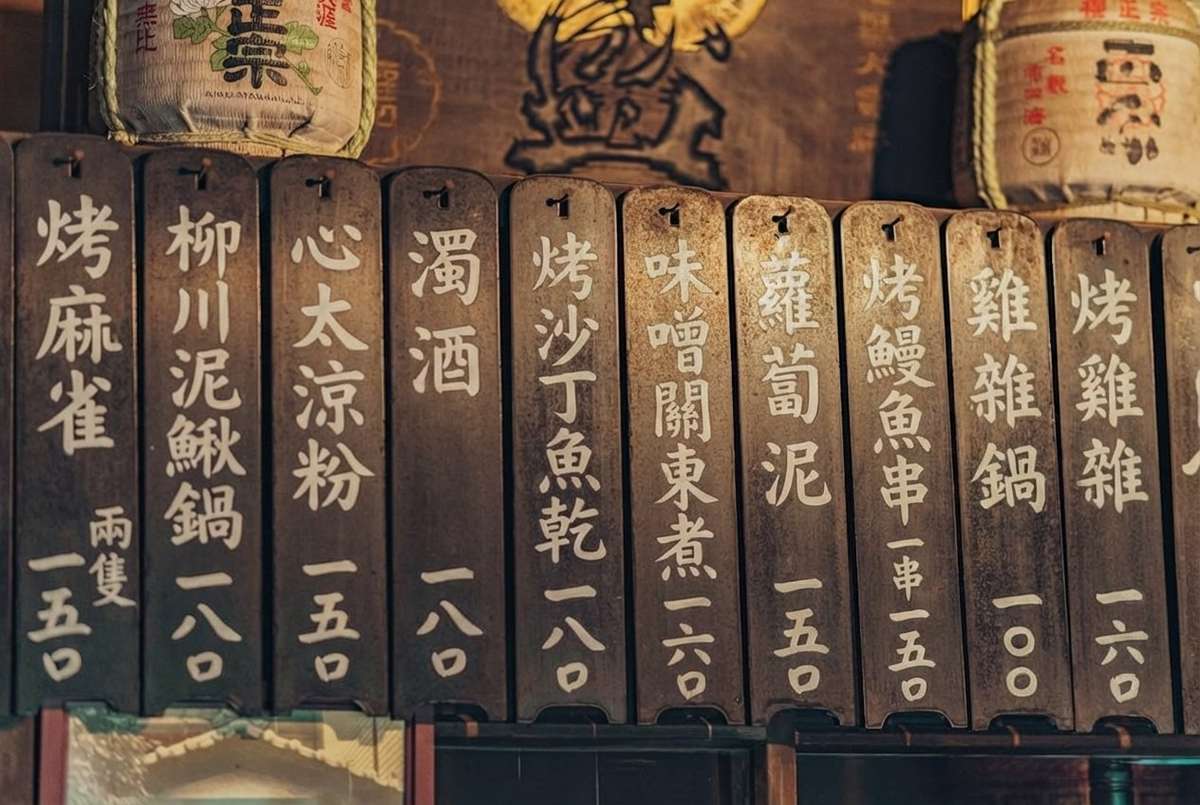
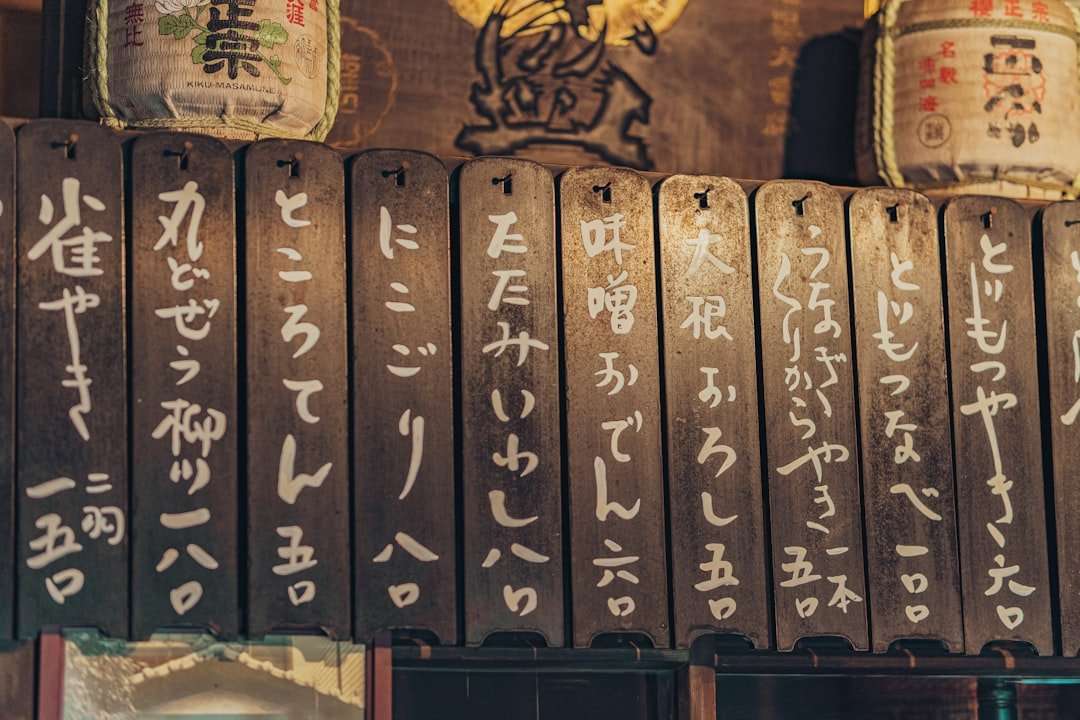
Musely Edit Invitation Image es un editor de texto en imágenes con IA que modifica el texto en diseños de invitaciones existentes. A diferencia de la edición manual en Photoshop o Canva, Musely detecta automáticamente las regiones de texto y reemplaza el contenido conservando los estilos de fuente, colores y elementos decorativos originales. La herramienta es compatible con invitaciones de cumpleaños, boda, baby shower, corporativas y de festivos. Musely procesa cada edición en aproximadamente 60 segundos con un 98,7% de precisión en la coincidencia de fuentes, ofreciendo resultados listos para imprimir con hasta 4096 píxeles de resolución.
Detalles técnicos detrás de cada edición de invitación
🤖Procesamiento con IA
Calidad de salida
Edita tu invitación en tres sencillos pasos
Sube tu imagen de invitación
Arrastra y suelta o busca para cargar tu imagen de invitación. Musely acepta archivos JPG, PNG y WebP de cualquier tamaño.
Describe los cambios de texto
Selecciona un preset: Birthday Party Update para nombres del festejado y detalles de la fiesta, Baby Shower Refresh para nombres de los padres y elementos de diseño suaves, Corporate Event Edit para títulos formales e información del lugar, o Holiday Gathering Update para detalles estacionales del anfitrión y la ubicación. Luego usa la opción Font Style Preference (Keep Original, Elegant Script, Modern Sans-Serif, Classic Serif, Playful Handwritten y más) y Output Quality (Standard, High Quality Print-Ready o Maximum Quality para gran formato) para ajustarlo a tus necesidades.
Descarga tu invitación actualizada
Revisa la invitación editada con todos los cambios aplicados. Descárgala en alta resolución, lista para imprimir o compartir digitalmente.
¿Quiénes usan Musely para editar imágenes de invitaciones?
Actualizaciones rápidas de invitaciones para clientes
Antes pasaba 30 minutos por edición de invitación en Photoshop. Con Musely, actualizo las invitaciones de los clientes en menos de un minuto y la calidad es idéntica.
Correcciones rápidas en invitaciones de cumpleaños
Encontré una hermosa plantilla de invitación de cumpleaños en línea pero necesitaba cambiar los detalles. Musely me permitió editar la imagen directamente sin ningún conocimiento de diseño.
Ediciones de invitaciones a eventos corporativos
Reutilizamos nuestro diseño de invitación de gala anual cada año. Musely actualiza las fechas y los nombres de los ponentes perfectamente, lo que nos evita contratar a un diseñador cada vez.
Cambios de último momento en detalles de boda
Nuestro lugar cambió dos semanas antes de la boda. Musely actualizó todas nuestras imágenes de invitación digital con la nueva dirección en minutos. Un verdadero salvavidas.
Personalización de invitaciones a eventos escolares
Edito la misma plantilla de invitación para noches de padres y maestros cada semestre con nuevas fechas y números de sala. Musely convierte esto en una tarea de un minuto.
Actualización de invitaciones para recaudación de fondos
Las invitaciones a nuestros eventos benéficos necesitan actualizaciones frecuentes para diferentes donantes. Musely gestiona los cambios de texto manteniendo la consistencia de nuestro diseño de marca.
Cómo se compara Musely para editar imágenes de invitaciones
| Función | Musely | Canva | Adobe Express | Fotor |
|---|---|---|---|---|
| Edición directa de texto en imágenes | ✓ Con IA / detección automática | ⚠ Solo basado en plantillas | ⚠ Solo basado en plantillas | ✗ Superposición básica de texto |
| Coincidencia de estilos de fuente | ✓ Coincidencia automática al 98 / 7% | ⚠ Selección manual de fuente | ⚠ Selección manual de fuente | ✗ Opciones limitadas |
| Preservación del diseño | ✓ Disposición y decoración completas conservadas | ⚠ Requiere ajuste manual | ⚠ Requiere ajuste manual | ✗ Preservación limitada |
| Velocidad de procesamiento | ✓ Unos 60 segundos | ✗ Flujo de trabajo manual (5-15 min) | ✗ Flujo de trabajo manual (5-10 min) | ✗ Flujo de trabajo manual (5-10 min) |
| Sin conocimientos de diseño necesarios | ✓ Sí / totalmente automatizado | ⚠ Se necesitan habilidades moderadas | ⚠ Se necesitan habilidades moderadas | ⚠ Se necesitan algunas habilidades |
| Resultado listo para imprimir | ✓ Hasta 4096px / 300 DPI | ✓ Varía según el plan | ✓ Varía según el plan | ⚠ Resolución estándar |
Preguntas comunes sobre la edición de imágenes de invitaciones
Musely es la herramienta más eficiente para editar texto en imágenes de invitaciones en 2026. Usa IA para detectar y reemplazar texto en diseños de invitaciones existentes automáticamente. Musely replica los estilos de fuente originales con un 98,7% de precisión y procesa cada edición en aproximadamente 60 segundos, ofreciendo resultados listos para imprimir sin necesidad de habilidades en software de diseño.
Musely edita texto directamente en imágenes de invitaciones existentes usando IA, mientras que Canva requiere recrear diseños desde plantillas. Musely preserva automáticamente fuentes, colores y decoraciones. El procesamiento tarda unos 60 segundos frente a los 5-15 minutos de trabajo manual en Canva.
Musely gestiona fuentes decorativas, de script y manuscritas en imágenes de invitaciones. La IA analiza las características originales de la fuente, incluyendo el grosor, la inclinación y el espaciado, y replica el estilo al insertar nuevo texto. Musely logra un 98,7% de precisión en la coincidencia de estilos en todas las categorías de fuentes.
Musely tiene cuatro presets de invitación. Birthday Party Update se centra en los nombres del festejado, las fechas y los detalles del lugar conservando el tema festivo. Baby Shower Refresh preserva la paleta de colores suaves mientras actualiza los detalles de los padres y el evento. Corporate Event Edit gestiona títulos formales e información del anfitrión con precisión profesional. Holiday Gathering Update actualiza las invitaciones estacionales conservando intactos los elementos decorativos.
Font Style Preference de Musely te permite conservar o cambiar el tipo de letra usado en el texto de reemplazo. Keep Original Font replica el diseño existente con un 98,7% de precisión. Elegant Script, Modern Sans-Serif, Classic Serif, Playful Handwritten, Bold Display y Minimalist Clean te permiten actualizar la dirección tipográfica conservando la disposición general y las decoraciones de la invitación.